
Ebook library manager
The books you own, in one library
Papyrium catalogs your books right in the folders where they are, or imports them. Then you can organize, search, read, and annotate them in the app.
macOS 12+ · Apple Silicon
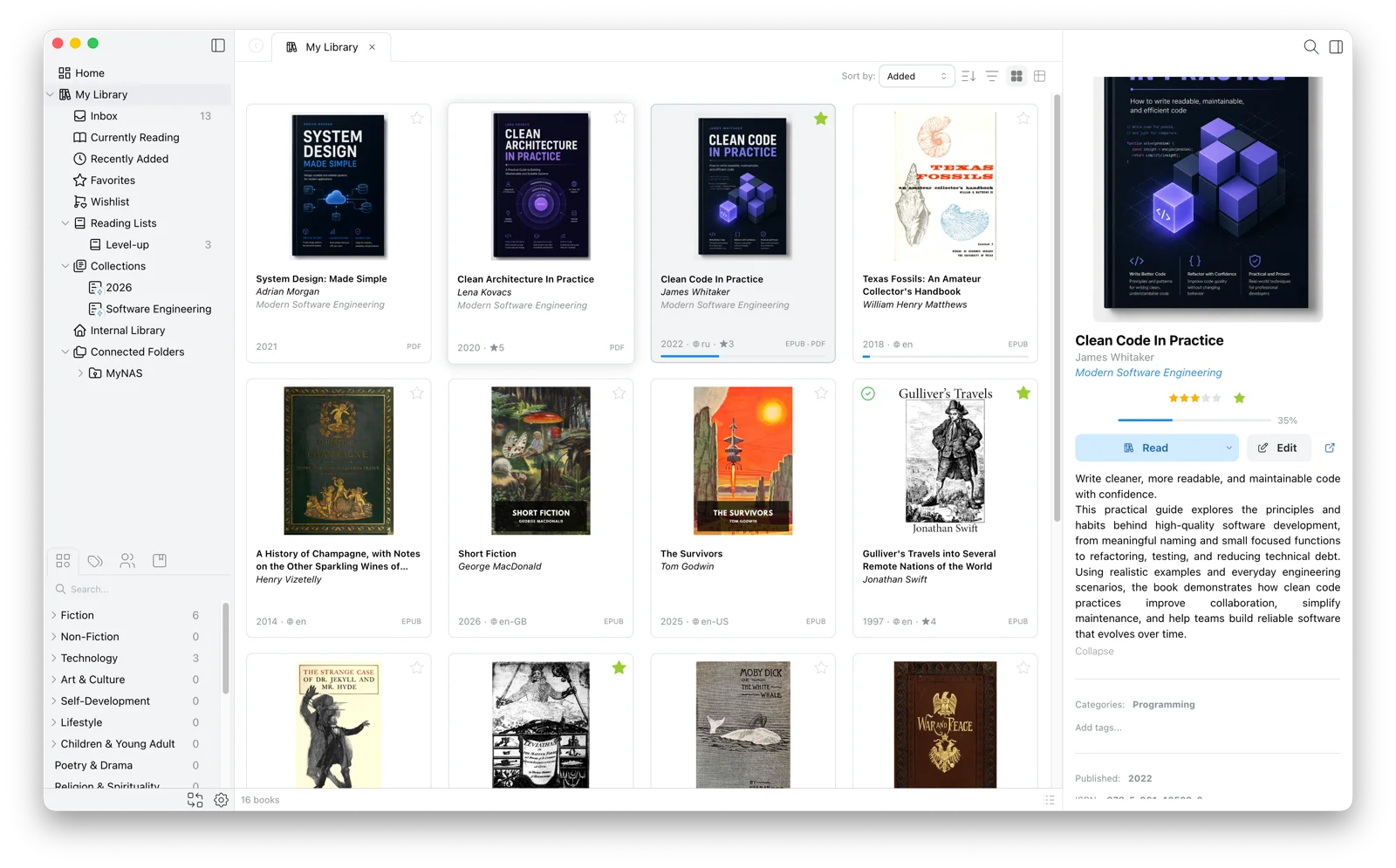
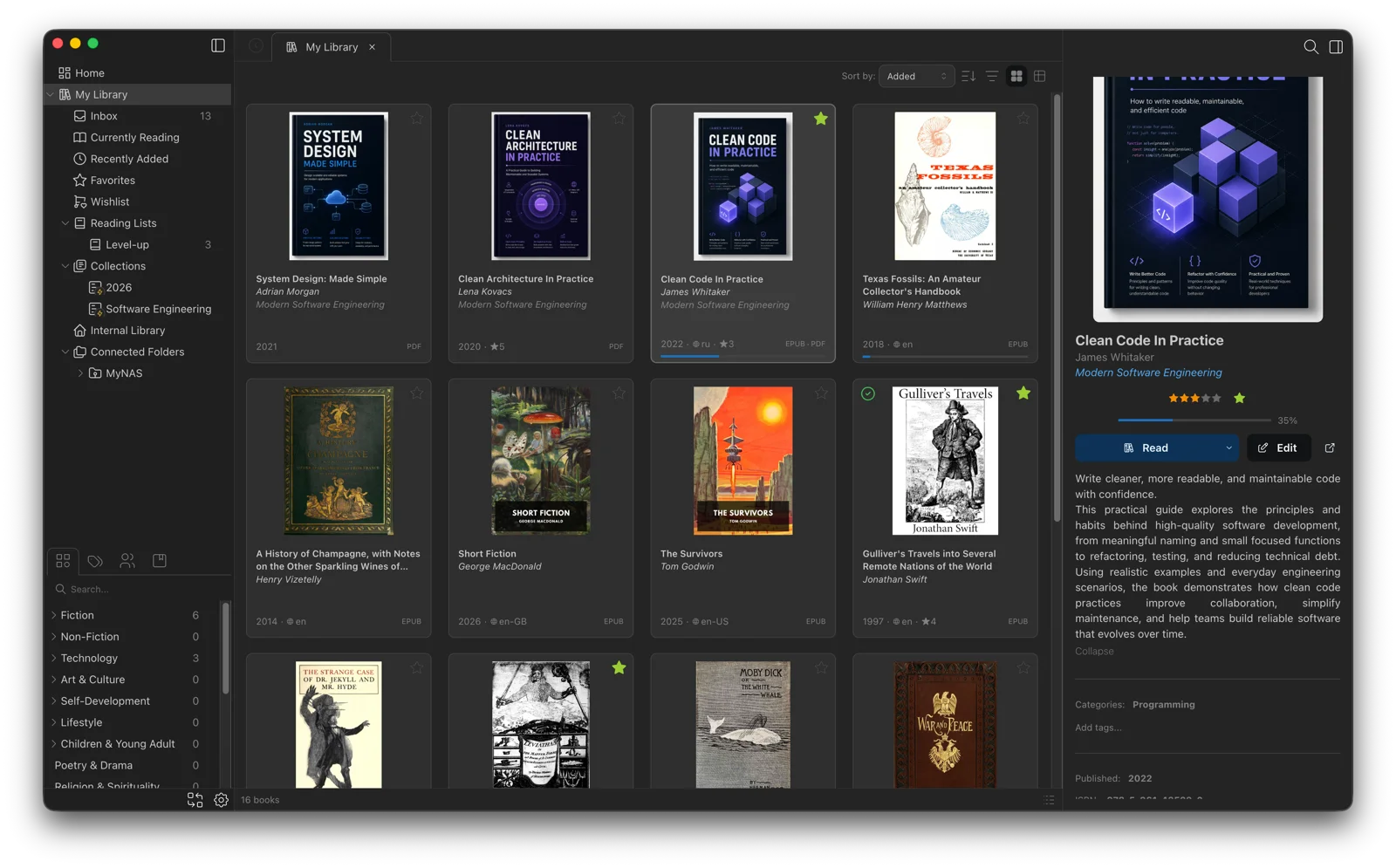
Import your books or connect the folders they're in
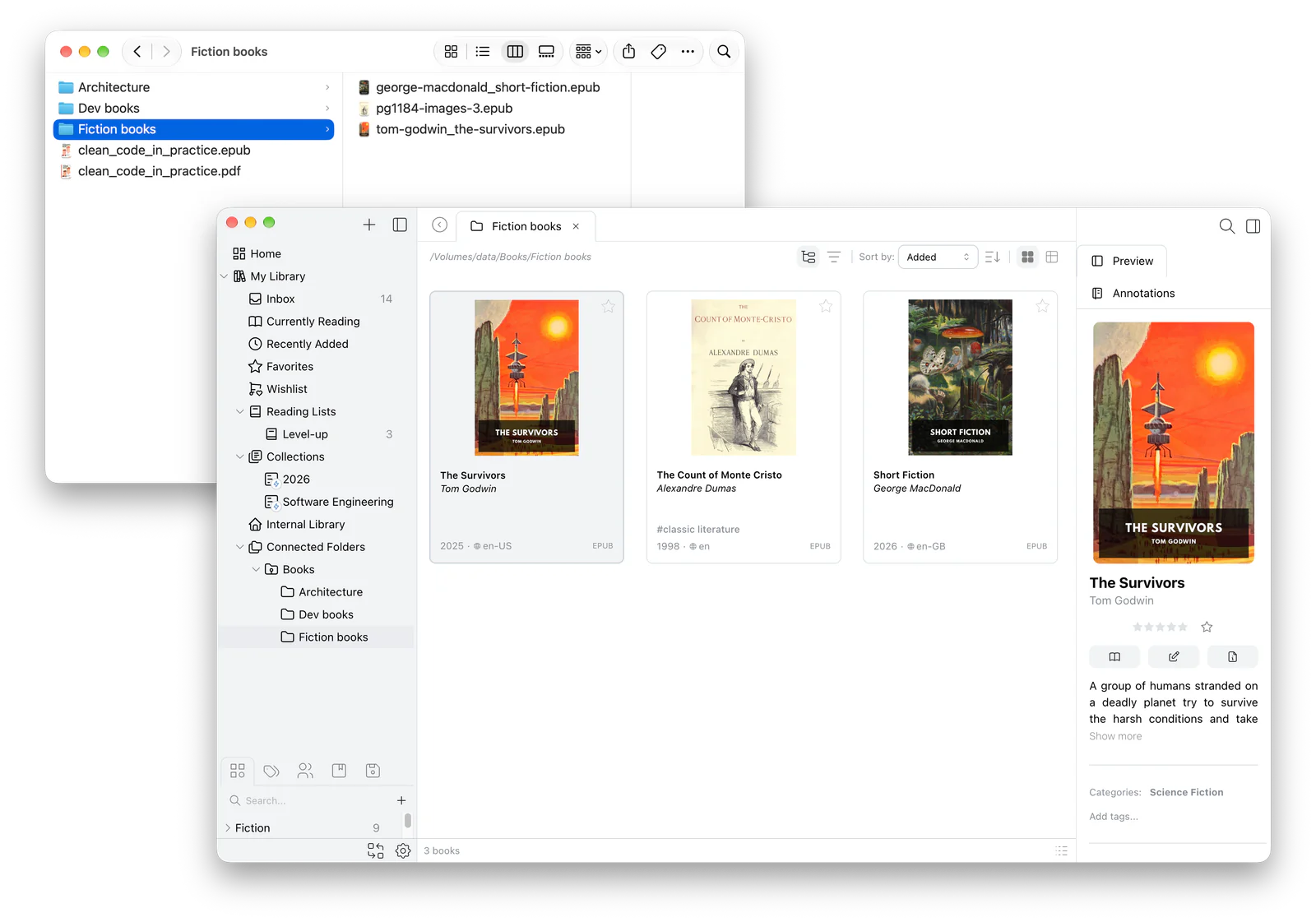
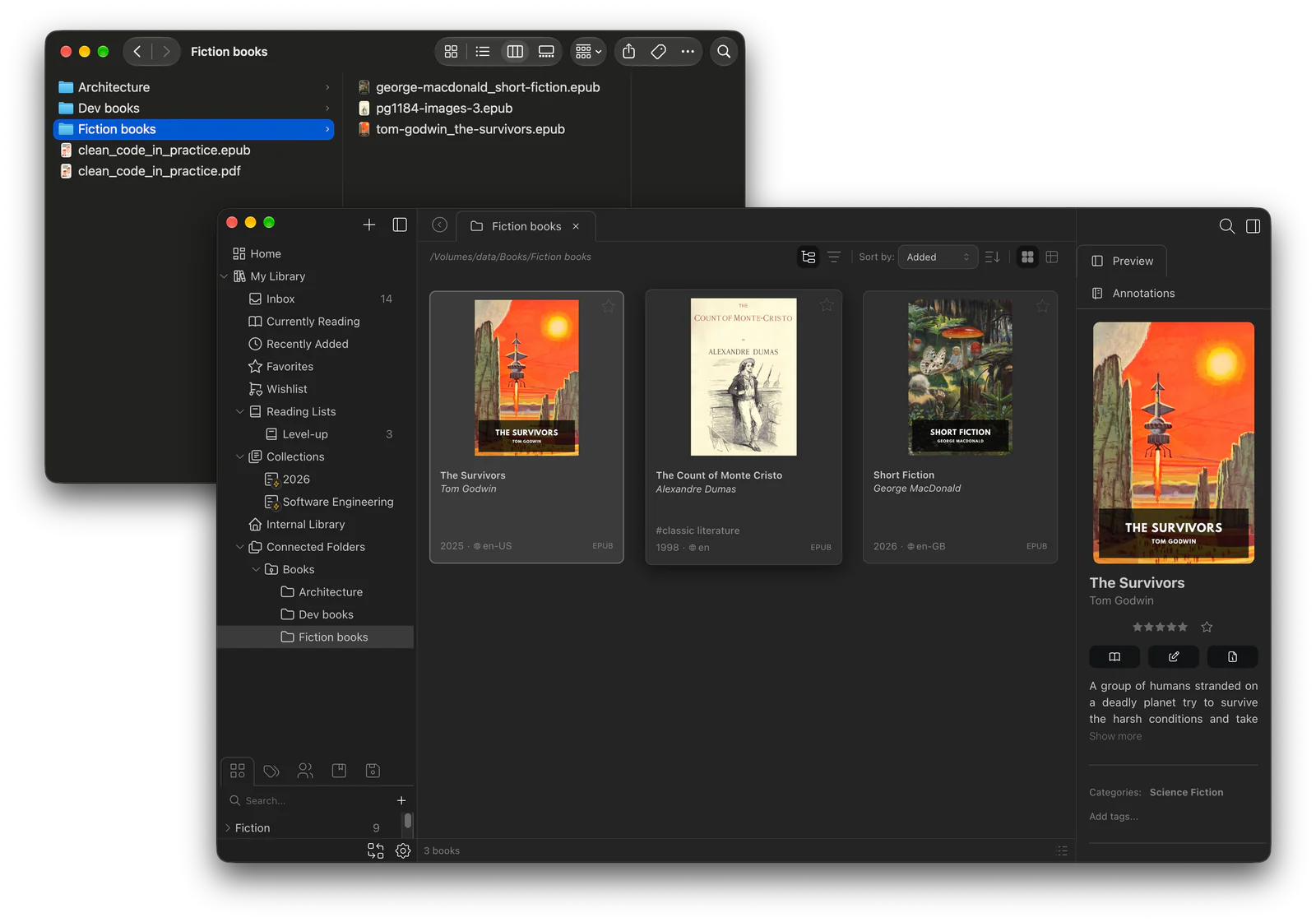
Import single files or whole folders into Papyrium's library; you choose whether to copy or move them. Or connect the folders where your books already live, such as Documents, an external drive, or a NAS, and Papyrium catalogs them right where they are. Both end up in one catalog, with covers, titles, and authors taken from the books.
- Skip books you already have — the import window flags files that are already in the library, shows where they are, and leaves them unchecked
- Browse by folder — a connected folder shows up in the sidebar with its subfolders
- Inbox for new arrivals — send new imports there first and sort them before they go into the library
- Keep chosen books offline — they stay readable when the external drive or NAS is disconnected; a filter shows what will still open offline
Learn more
Put your books in order and find any of them
Group books by category, tag, author, or series. To find one, press ⌘K and type a title, author, series, or tag, or narrow the whole library with filters. Save a filter, such as all your unread PDFs, and it becomes a collection that keeps itself up to date.
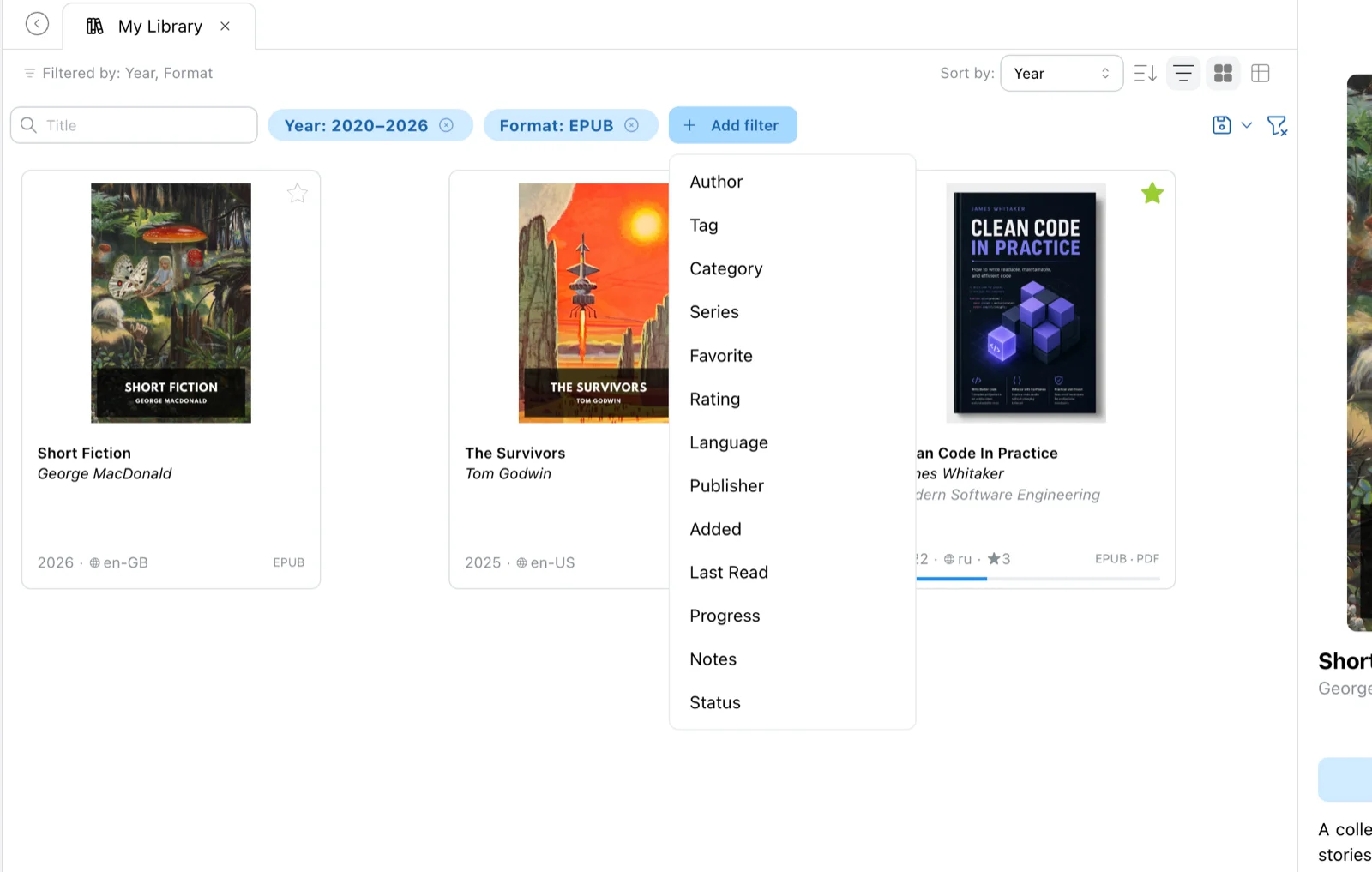
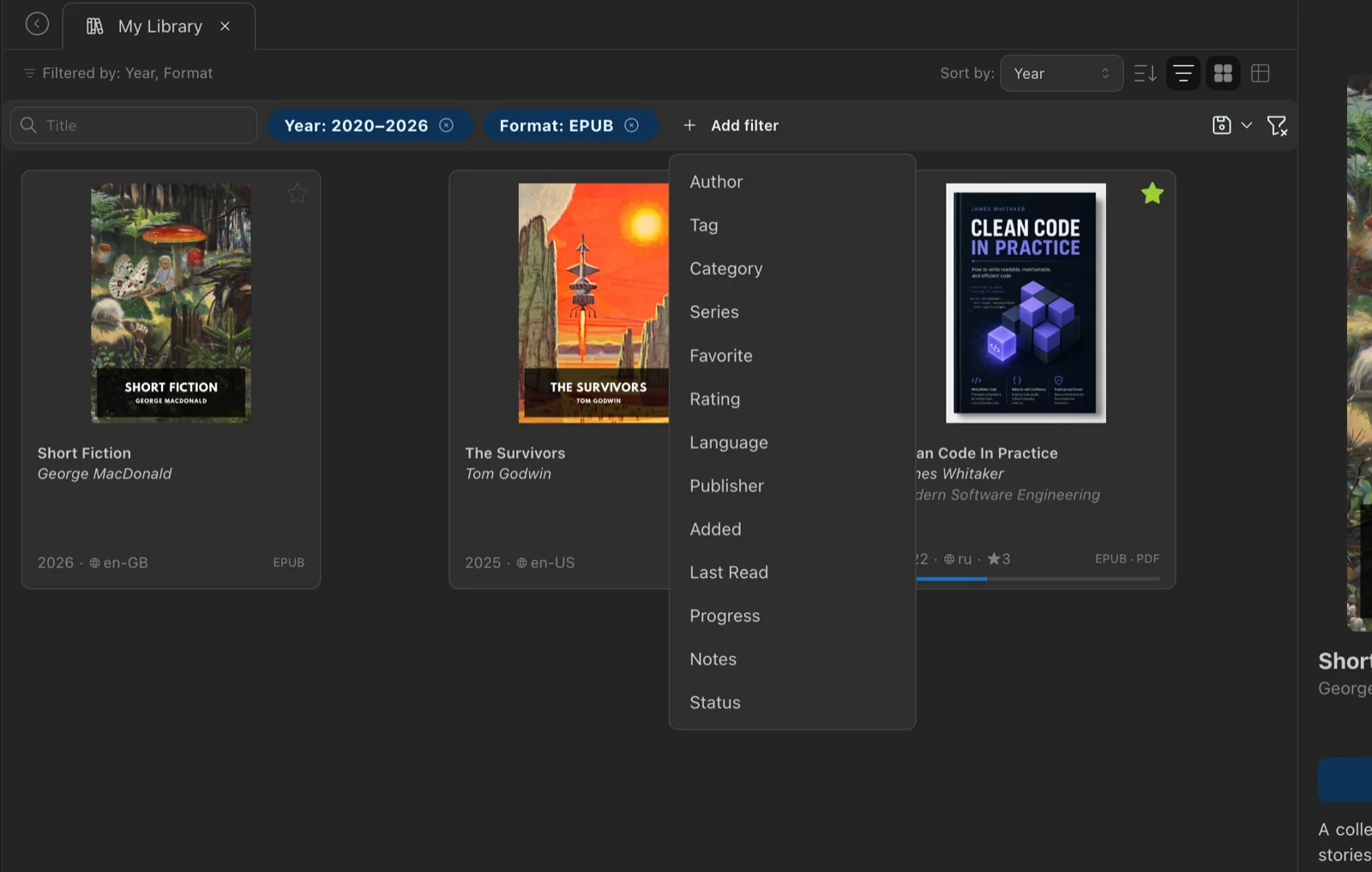
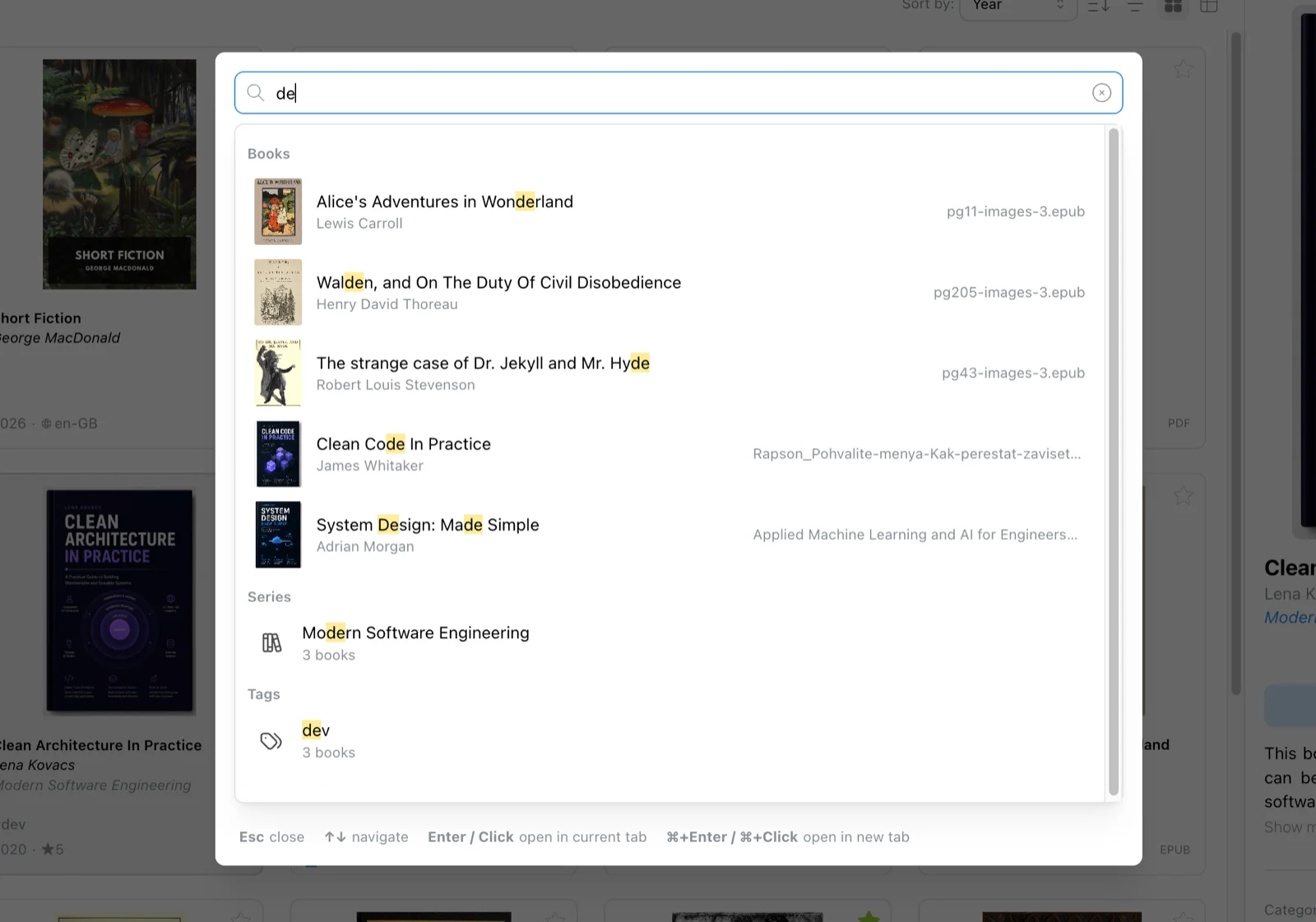
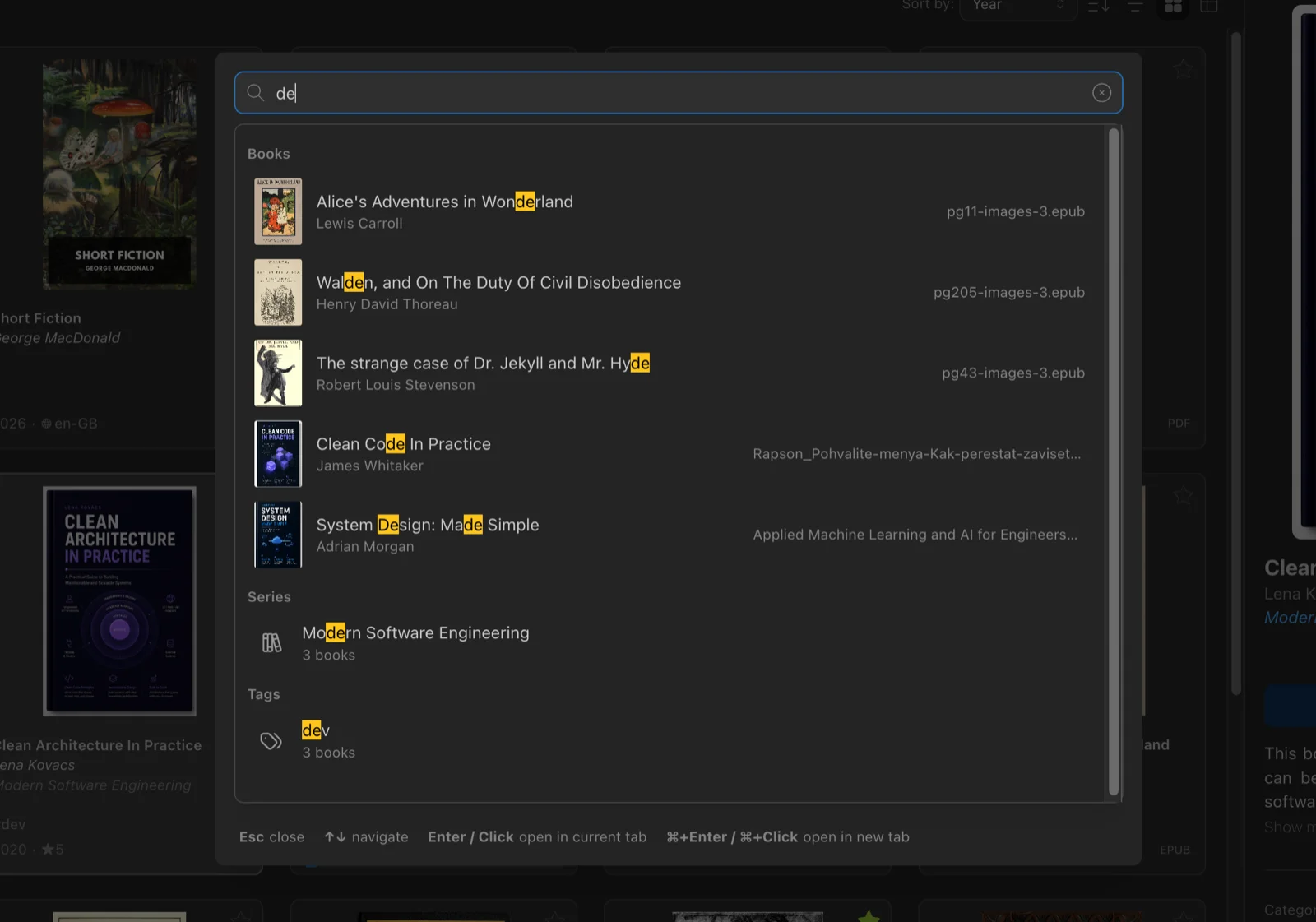
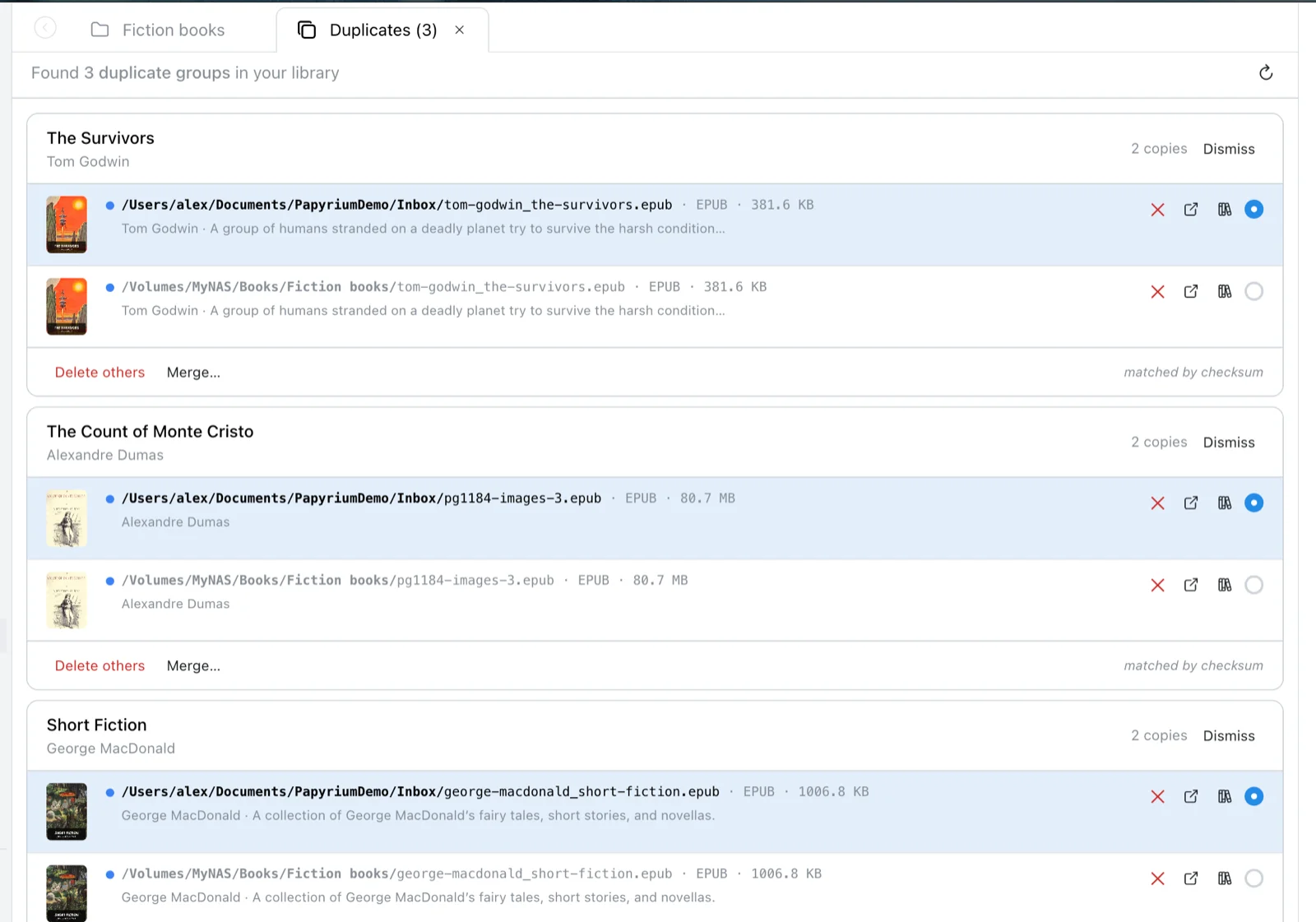
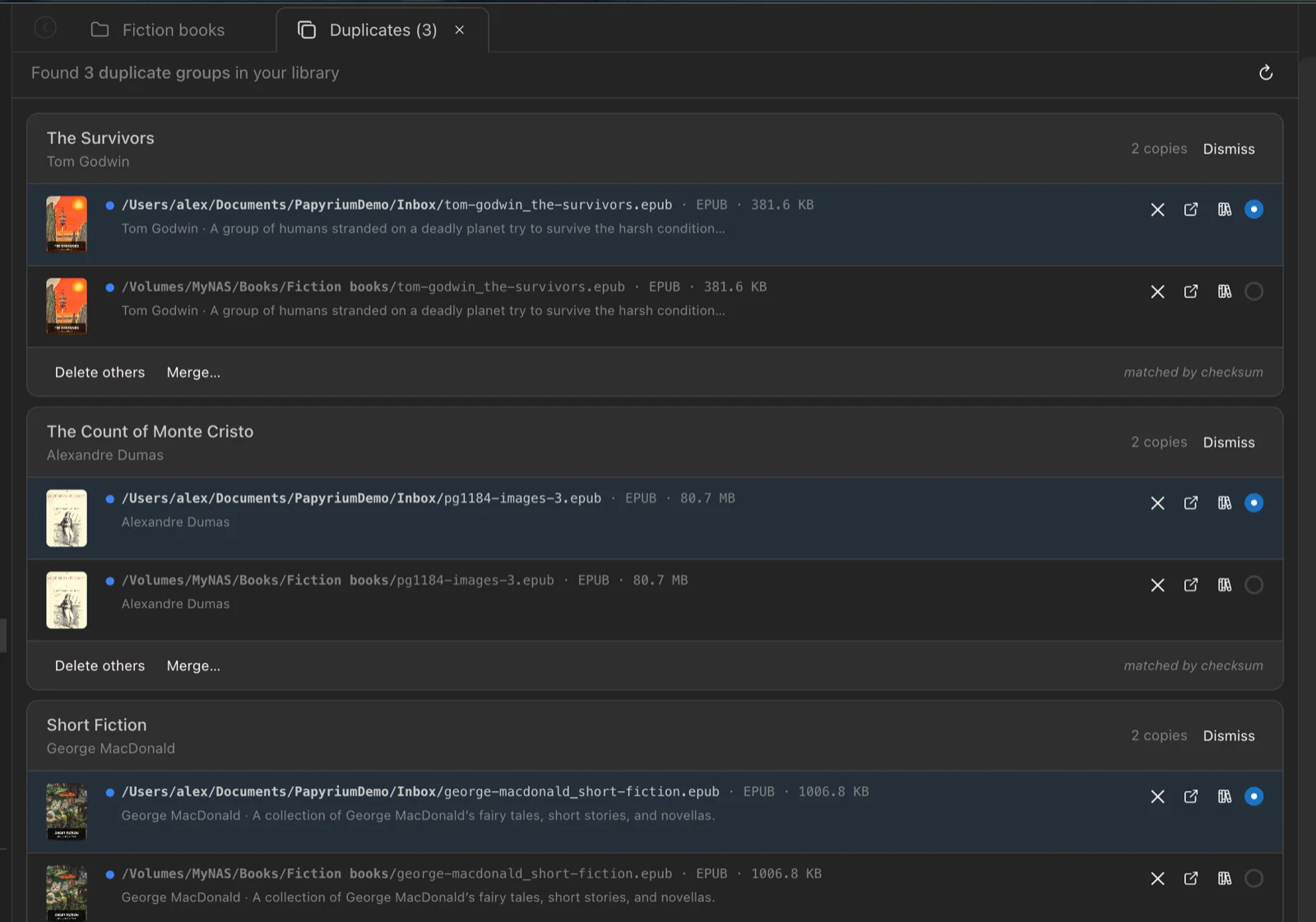
Catalog and filters
Browse the same collection by category, tag, author, series, or reading status.
- Tags, categories, and collections — plus authors, series, reading lists, and manual or smart collections
- Editions and translations — link different editions of a book and its translations to each other
- Duplicates across the library — same ISBN, identical files, or matching title and author; you decide what to keep
- Edit metadata — any detail of a book, cover included; compare it with the metadata stored in the file and apply what you need
Learn more
Connect Claude or Codex to your library
Claude Code, Codex, Claude Desktop, or another AI client you already use can search your library and help organize it. The client connects to Papyrium's local MCP server: the AI works in the client, and Papyrium gives it access to the catalog.
The catalog stays on your Mac. What the client sends to its AI model is up to that client and its AI provider.
For example, in Claude Code:
- Categorize the books in my Inbox.
- Find duplicates and suggest which copy to keep.
- Fill in the missing authors and years.
- Make a reading list from the unread books in my Databases category.
- What did I highlight about habits?
You decide how much the agent can do. The MCP server is off until you turn it on in Papyrium's settings, and it only accepts connections from your Mac. Once it's on, the agent starts read-only: letting it edit metadata, tags, and collections is one more switch, and moving or deleting files is another.
Every change is in the activity log. The library updates as the agent works, and the log lists what changed, book by book. Edits to metadata, tags, and categories can be undone from there. Merging duplicates or moving files to the Trash starts with a preview of what would change.
Learn more
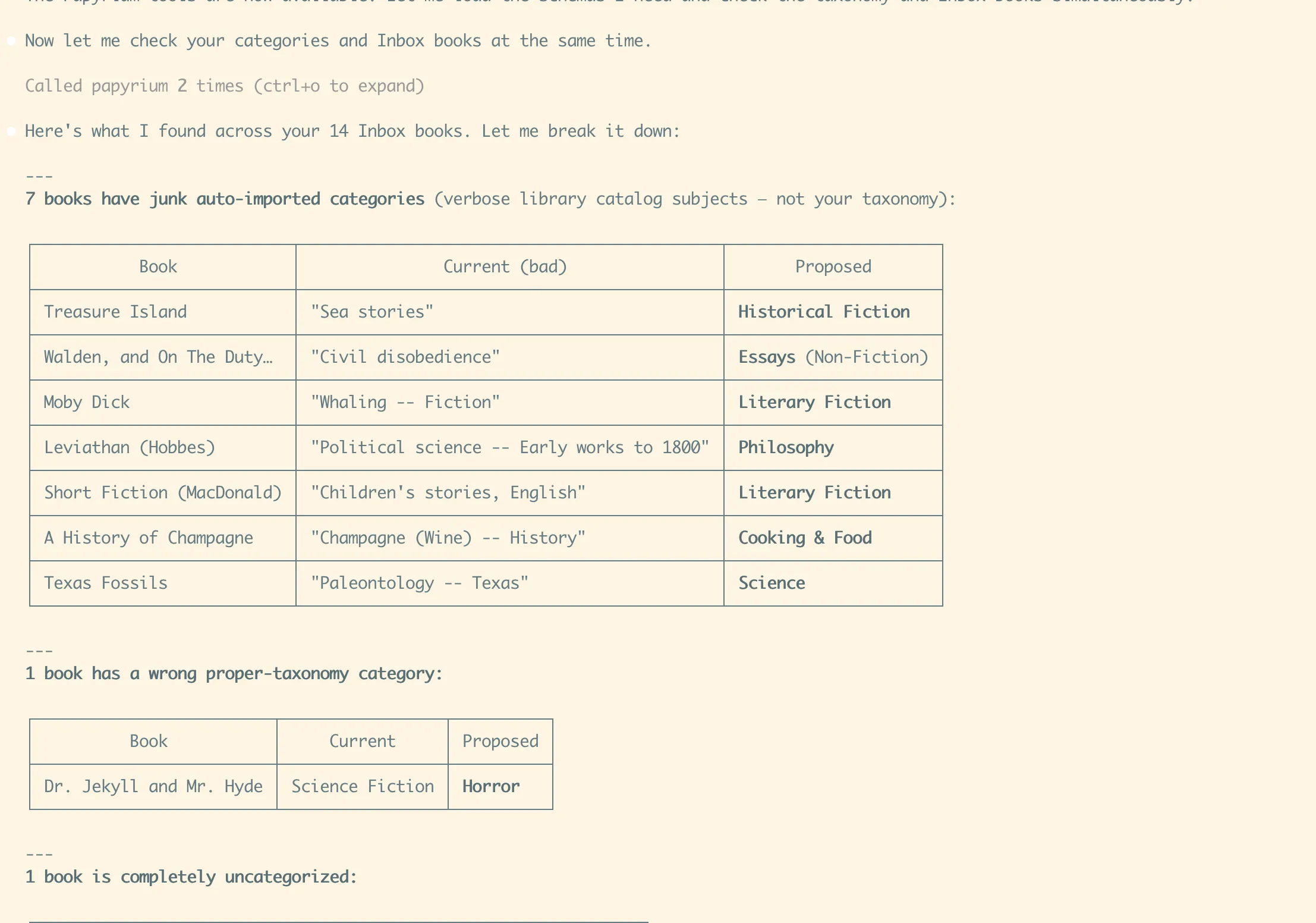
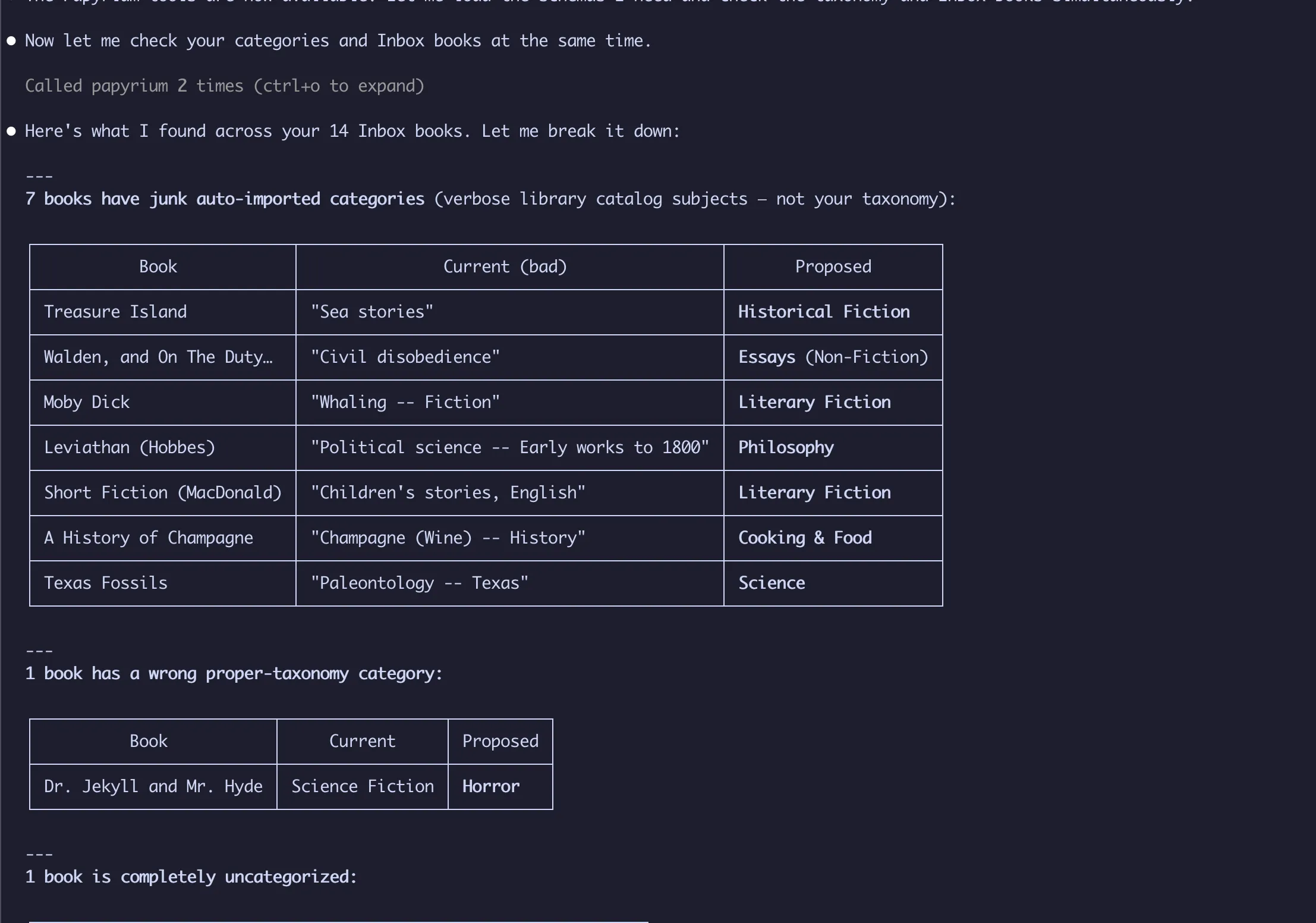
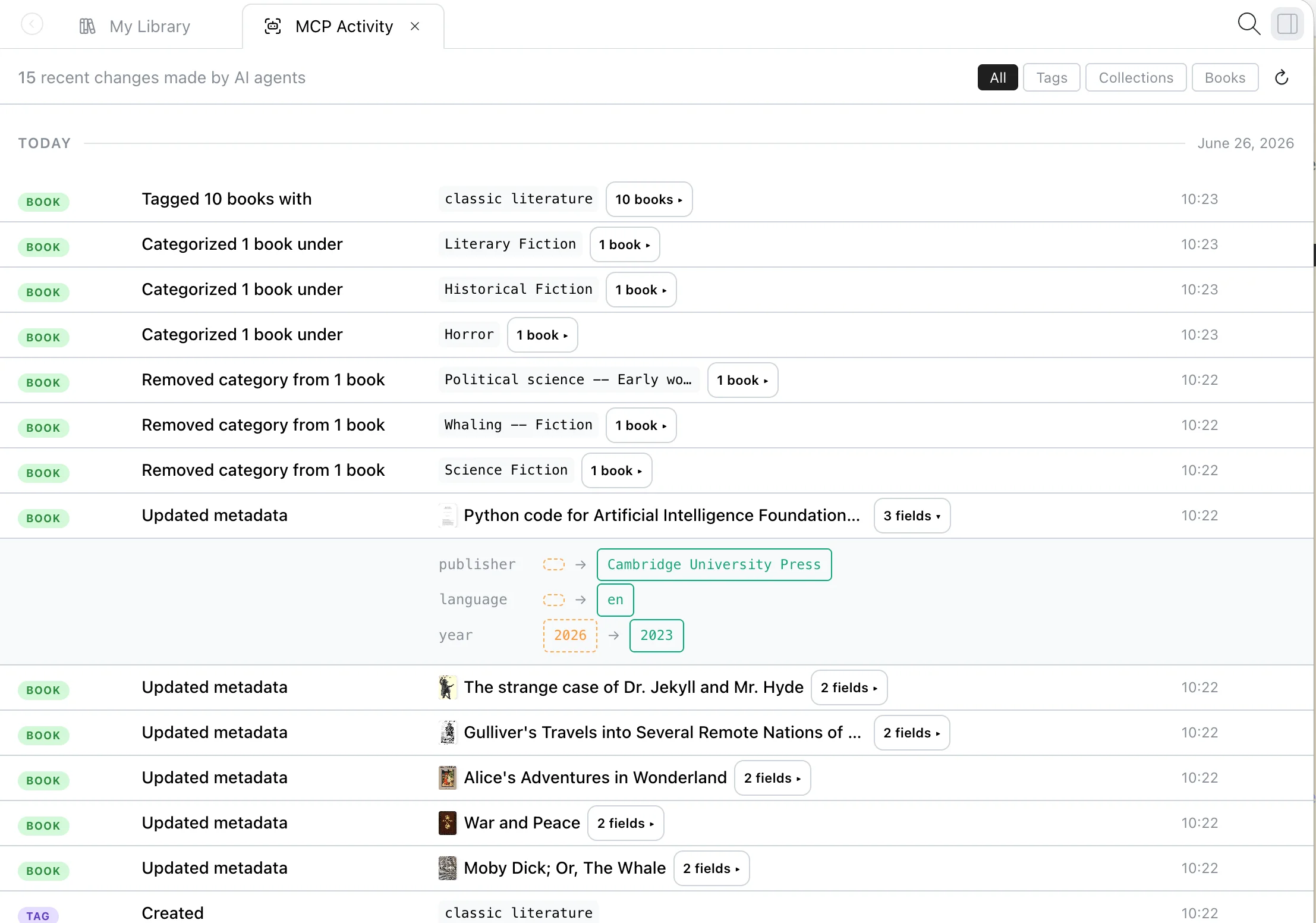
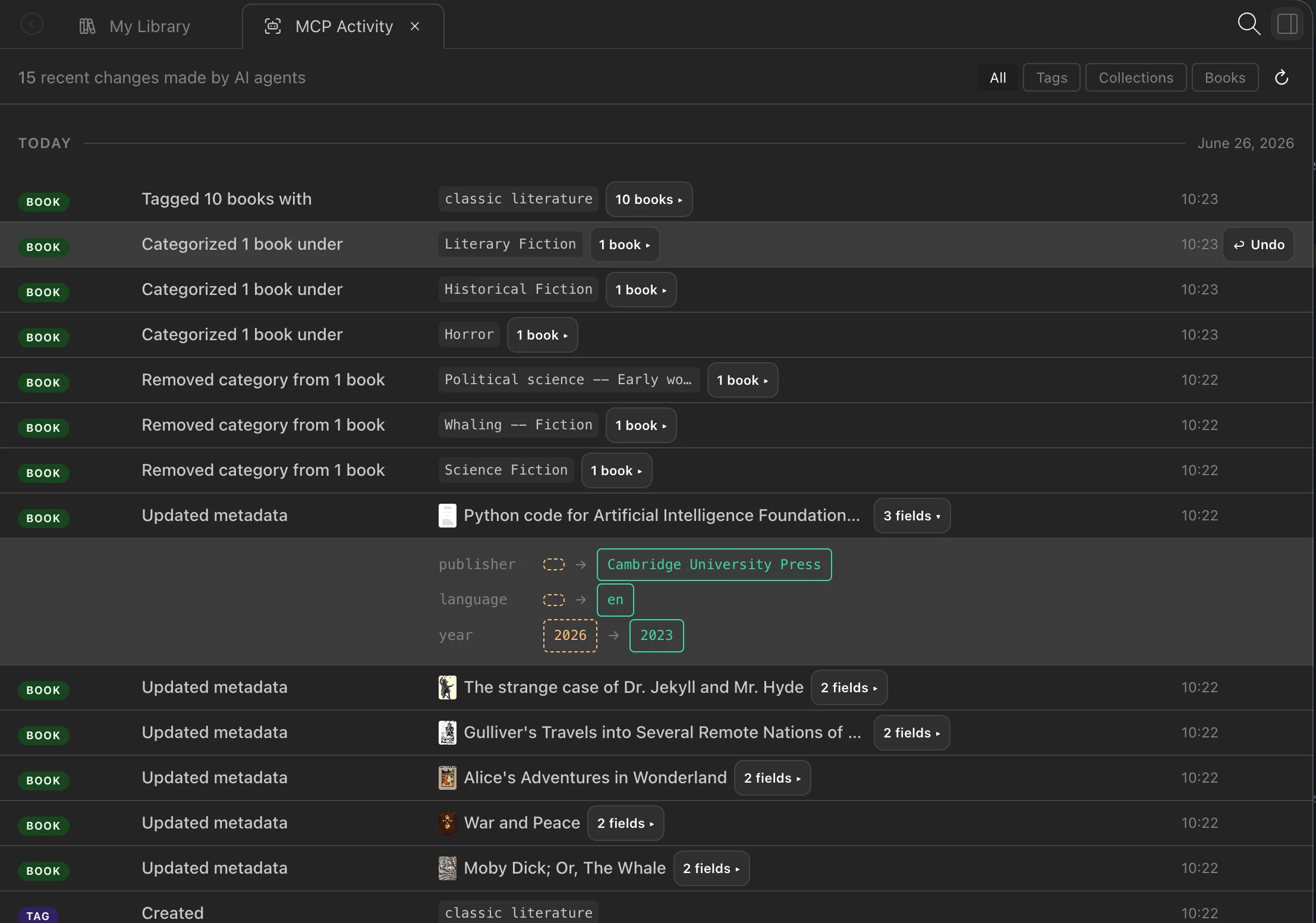
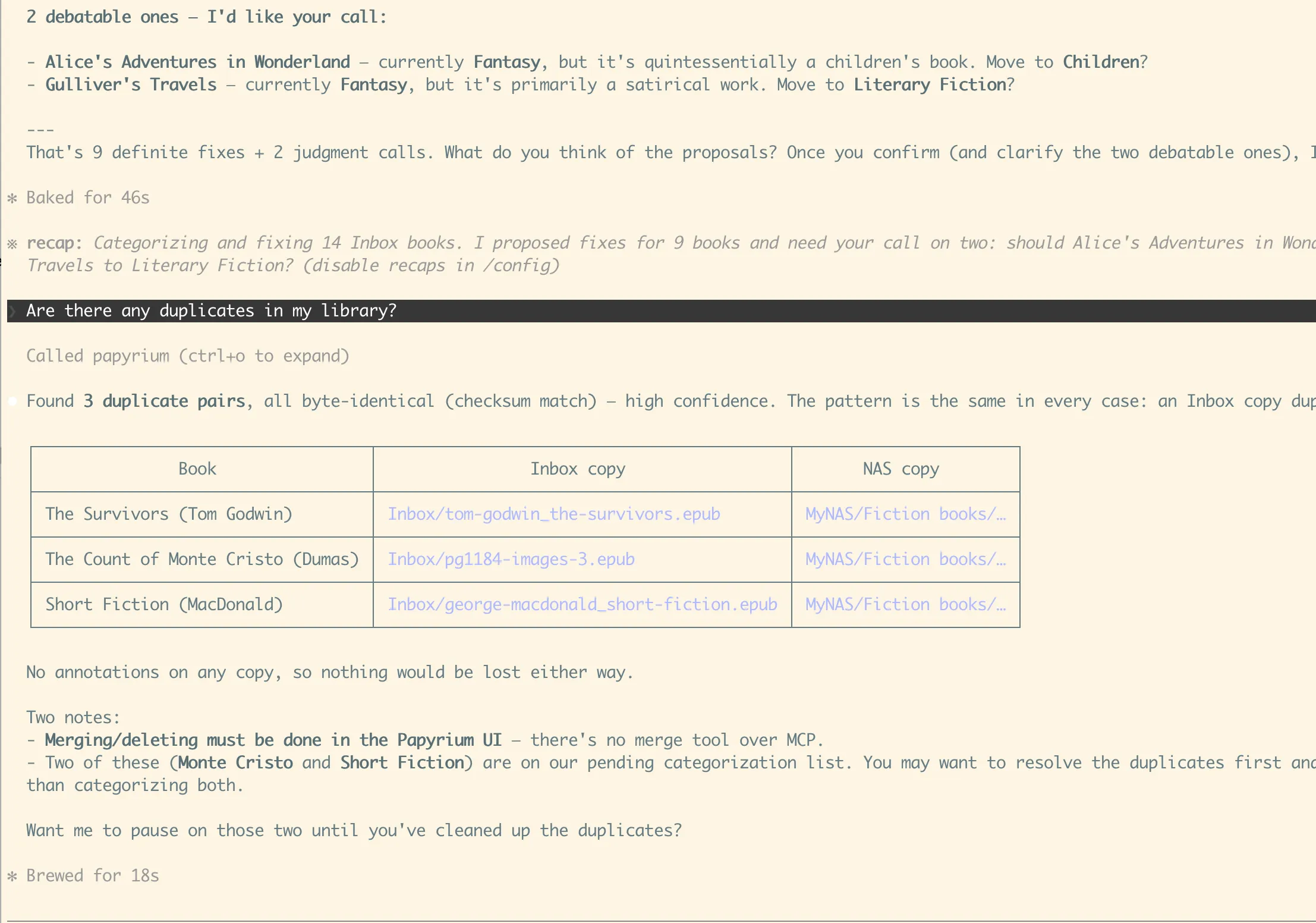
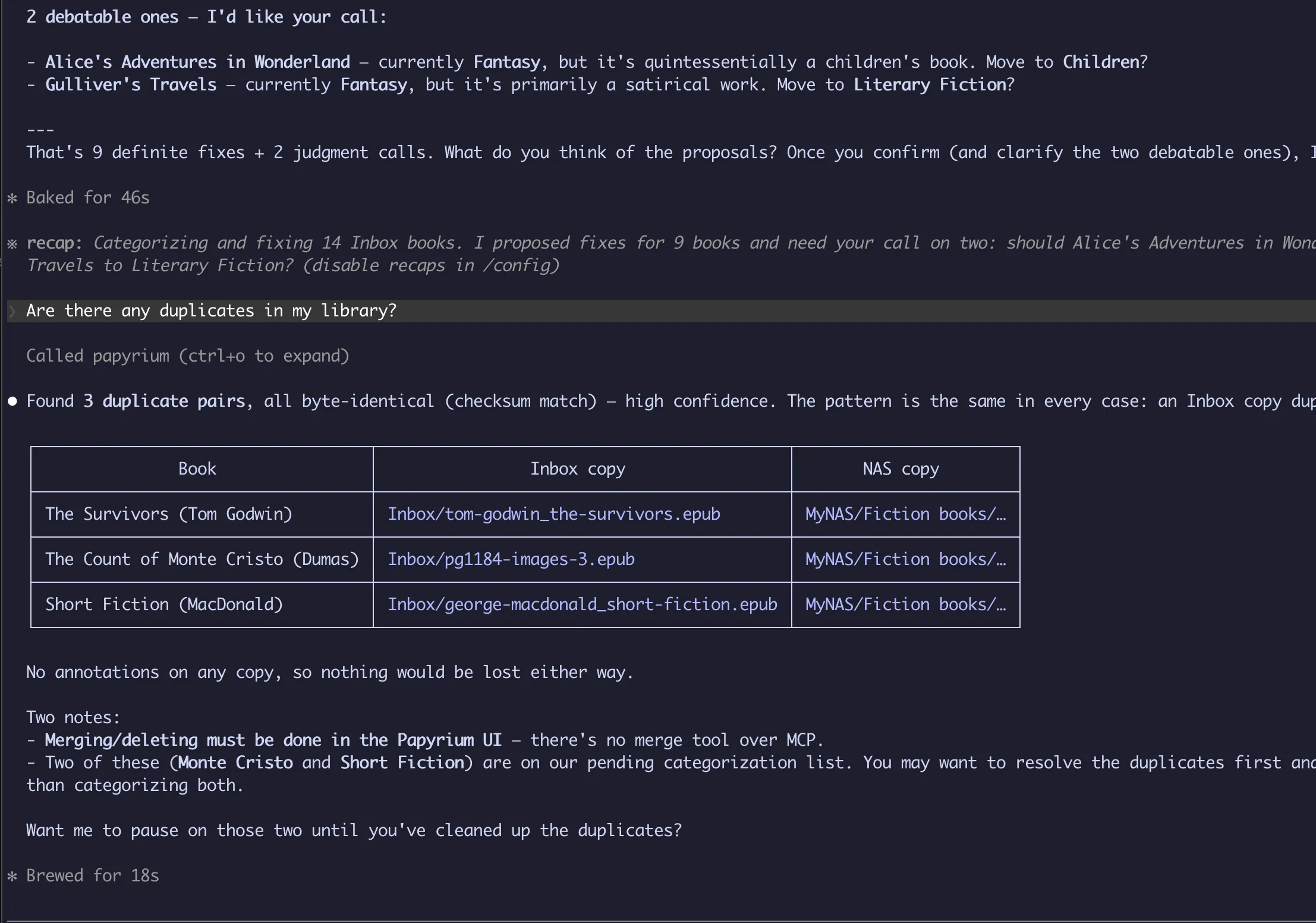
Organize the inbox
Ask a connected agent to categorize new arrivals.
Read and take notes without leaving the library
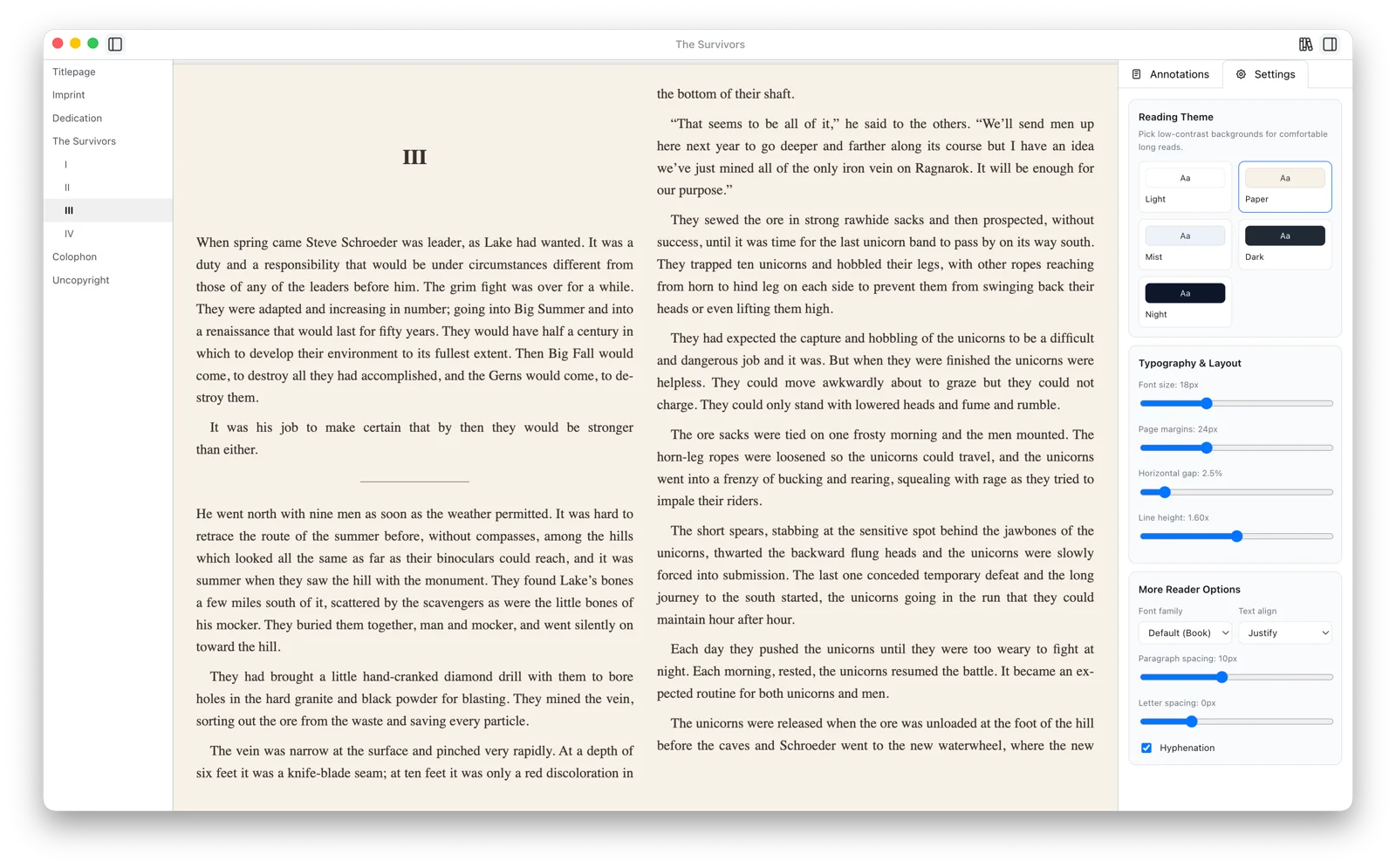
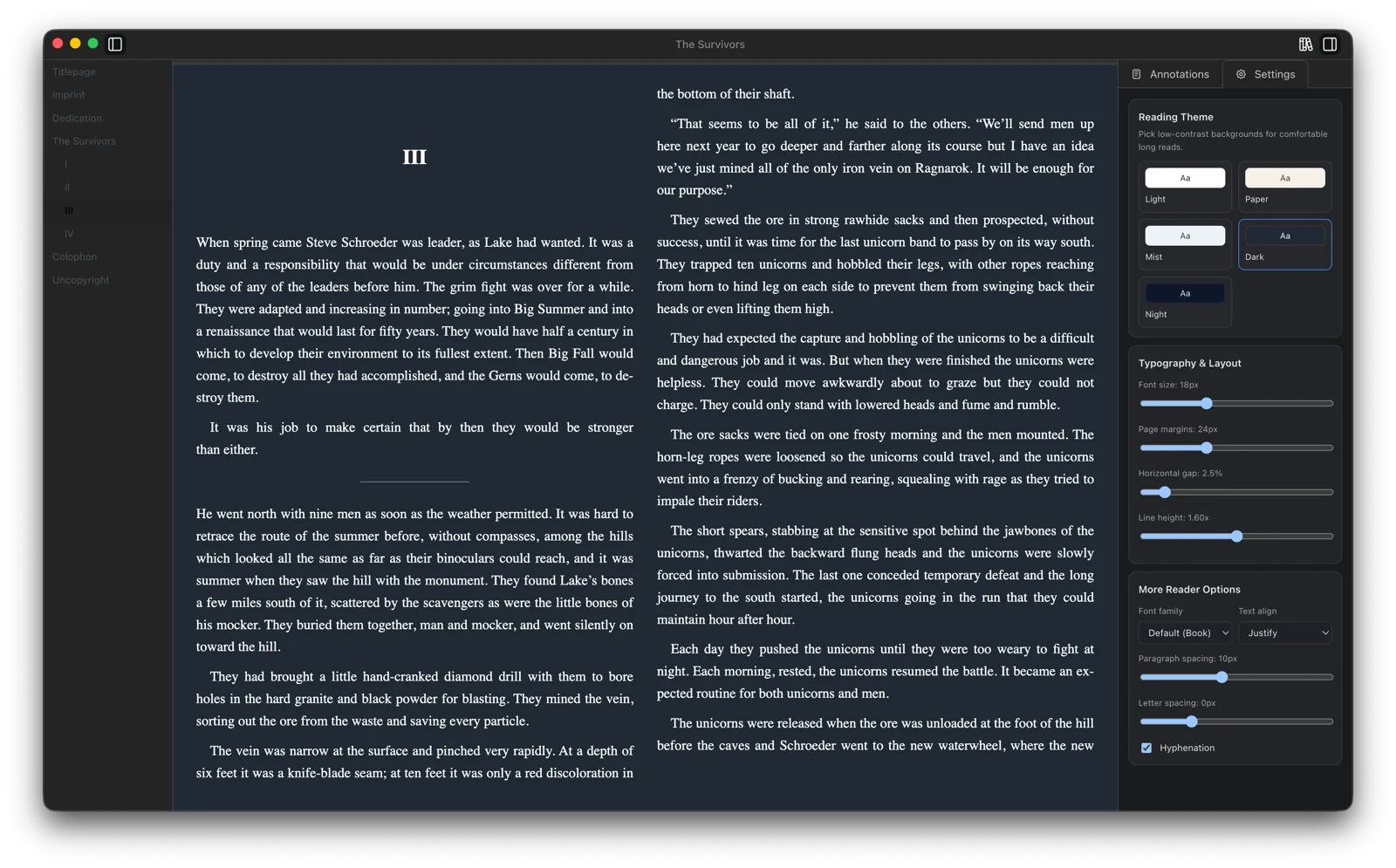
Read PDF, EPUB, and FB2 in a tab or a separate window, and highlight as you go. A book's highlights and notes also show in the library sidebar, so you can check them without opening the book. If you prefer another reader, open the book there.
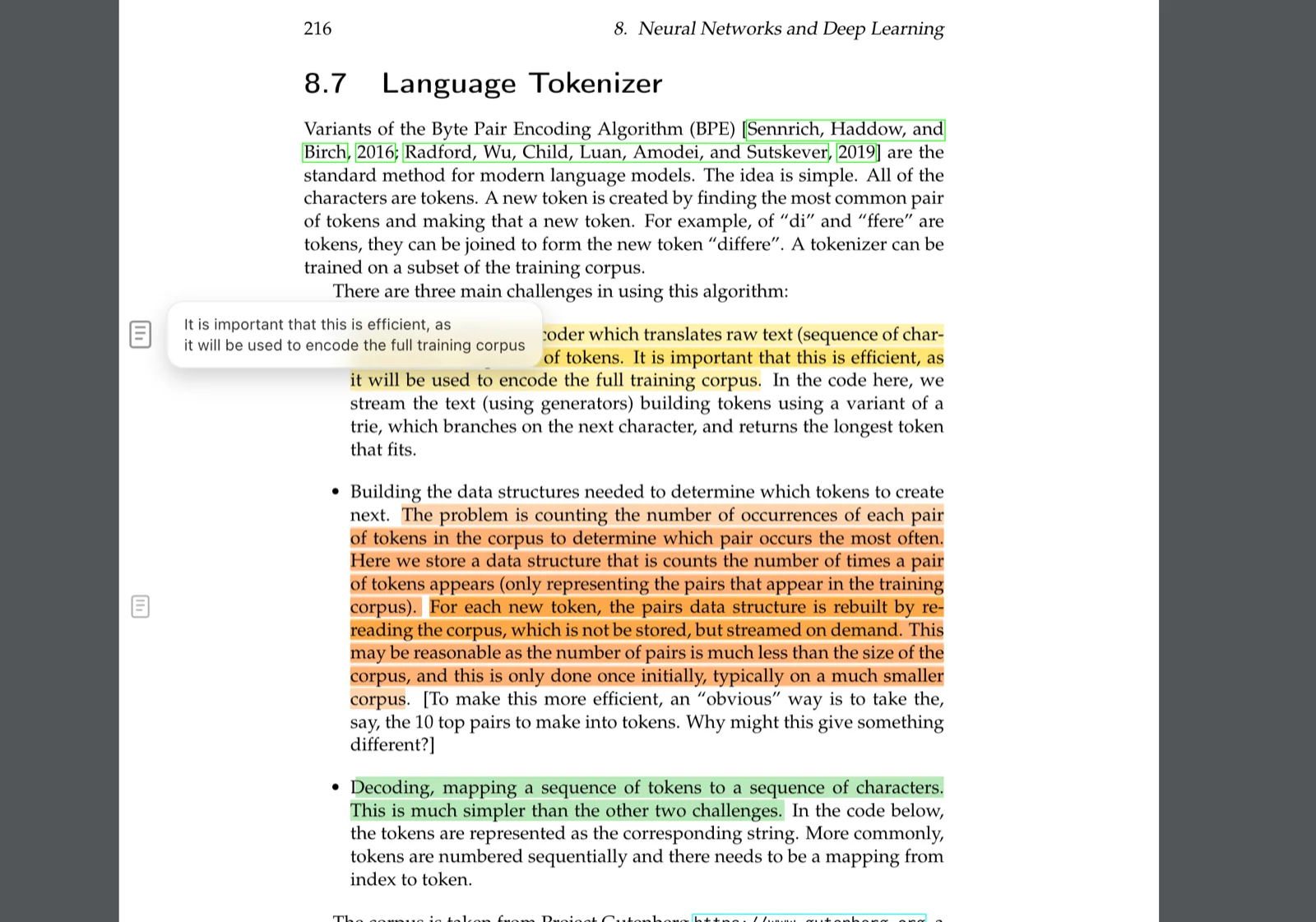
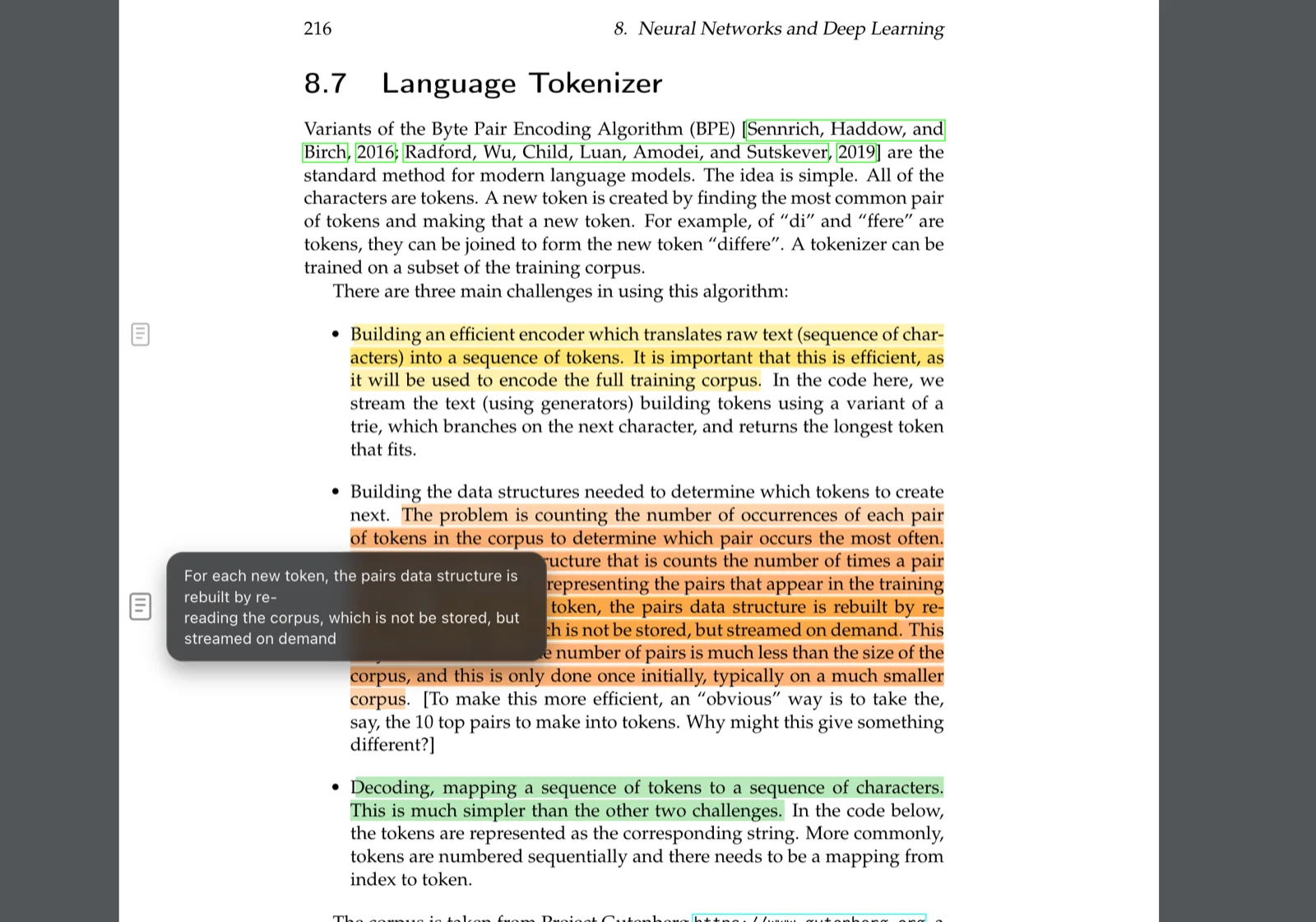
Highlights and notes
Attach a note to a passage and return to its source later.
- Highlights and notes — color highlights, a note on any passage, notes for a page or chapter, and bookmarks
- Write and draw on PDFs — text, pen and marker drawing, and arrows for textbooks, papers, and technical reading
- Notes sidebar — filter highlights, notes, and bookmarks, then jump back to the passage
Free during public alpha
Every feature is included, and so is every update released during the alpha. After the alpha, Papyrium will become a paid app, and the version you already have will keep working. Alpha users will get a founding discount. Get it by email
Stay updated
Get occasional updates about Papyrium, including the founding discount when the paid version launches.
Occasional emails only. Unsubscribe anytime. Privacy Policy.
Common questions
Two ways, and you can use both. Connect a folder where your books already are, and Papyrium catalogs them there, with its subfolders in the sidebar. Or import files and folders into Papyrium's library; you choose whether to copy or move them.
PDF, EPUB, and FB2.
Papyrium currently requires macOS 12 or later on Apple Silicon. Windows is planned as a separate future launch, without a promised date.
The catalog, highlights, and notes live on your Mac. Connected book files remain in their existing folders, including folders on external drives or a NAS.
No. There's no signup or login: download the app and start adding books. The library, reader, highlights, notes, and MCP access all work without an account.
Yes. Turn on the MCP server in Settings → MCP (it is off by default), and Claude Code, Codex, Claude Desktop, or another MCP-compatible client can connect to it. Access is read-only until you allow edits. What the client sends to its model is governed by that client and its AI provider.
More questions? Read the full FAQ →
Start with one folder of books
See how it looks in Papyrium, then add the rest of your books.