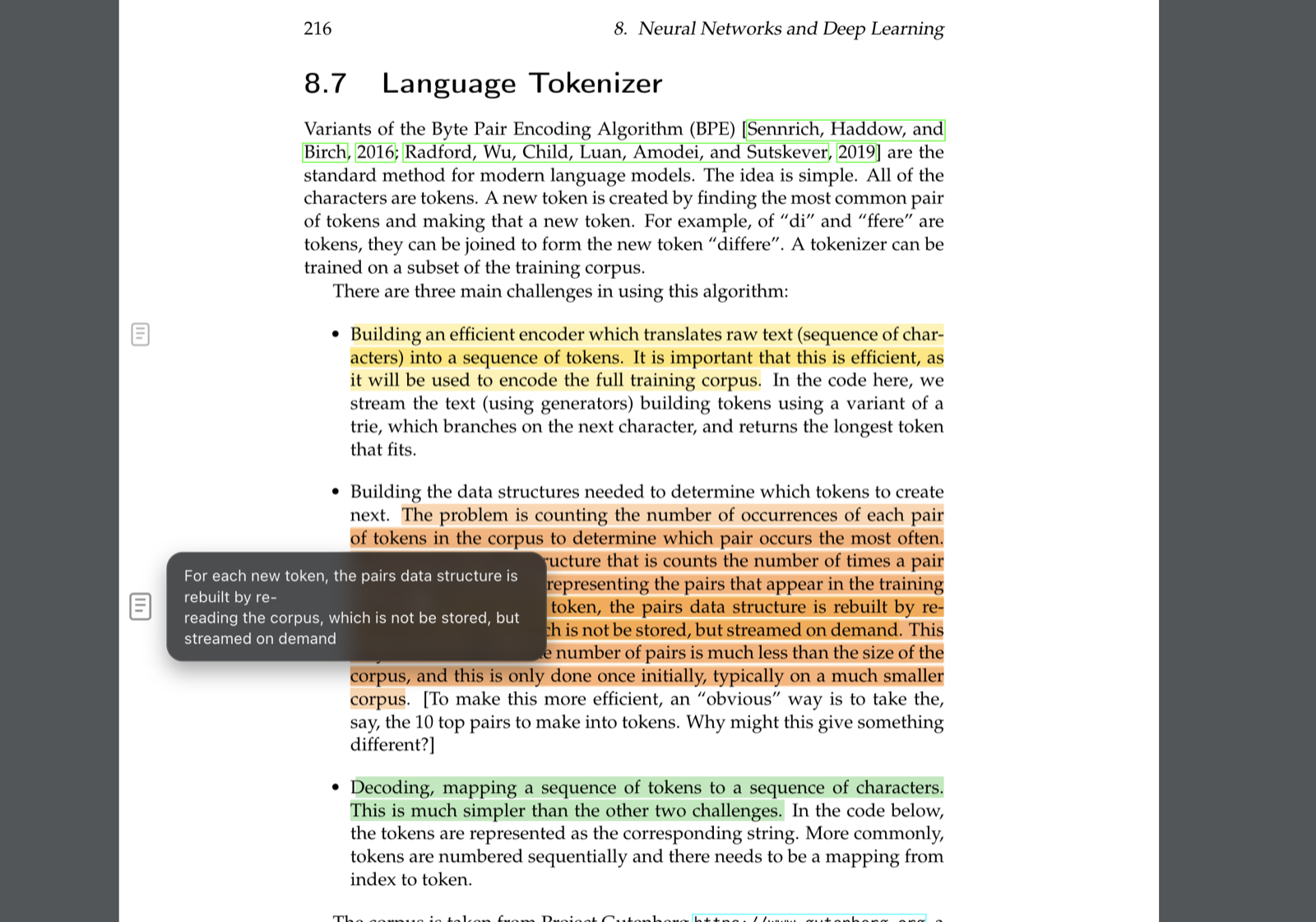
Manage. Read. Note.
One app for your whole book workflow. Manage your folders, read deeply, and keep all your highlights and notes in one place—without your files ever leaving your Mac.
macOS · Coming soon
Public alpha. Expect bugs and rough edges. Your book files stay on your device.
Found an issue? Send feedback.
What you can do
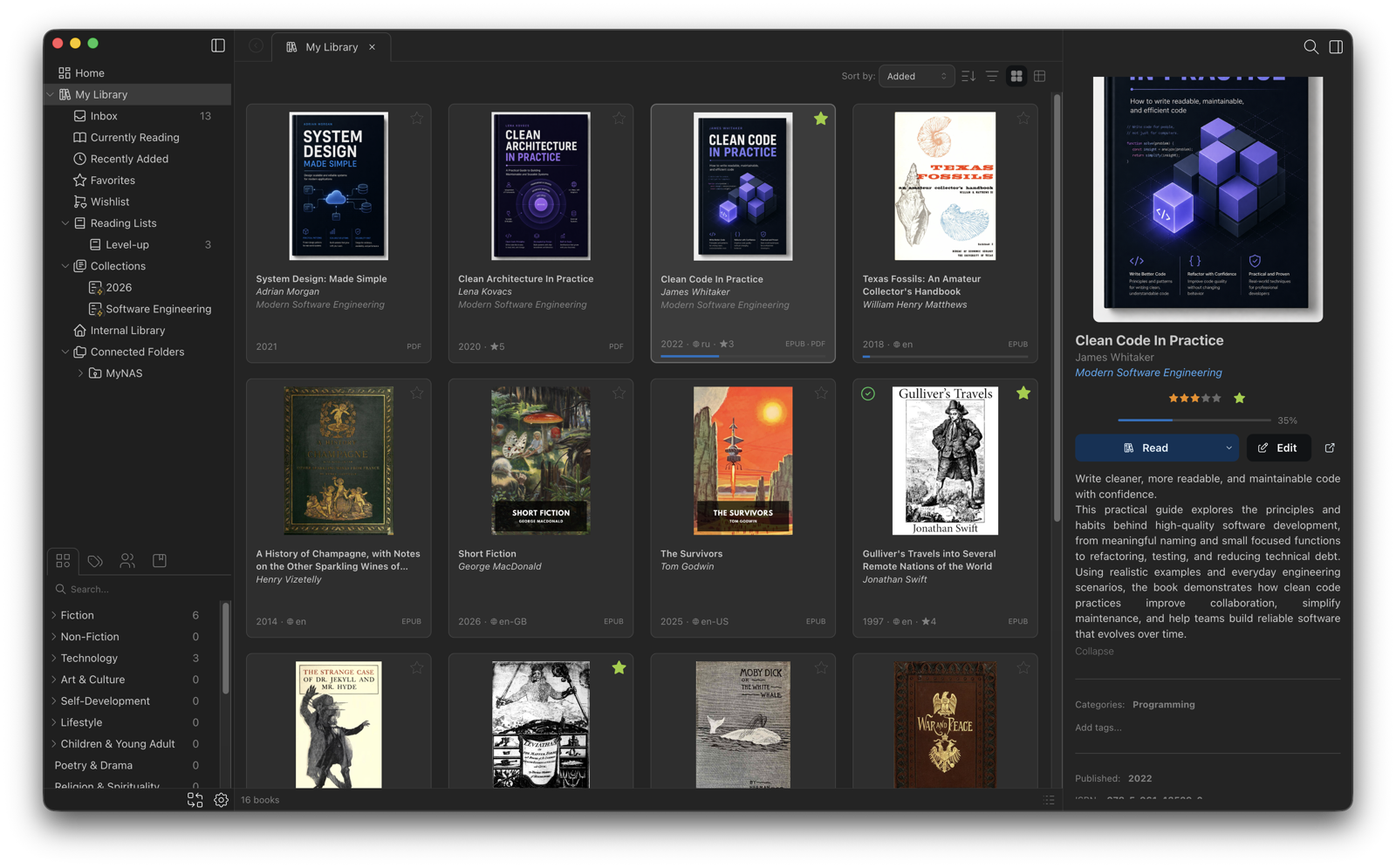
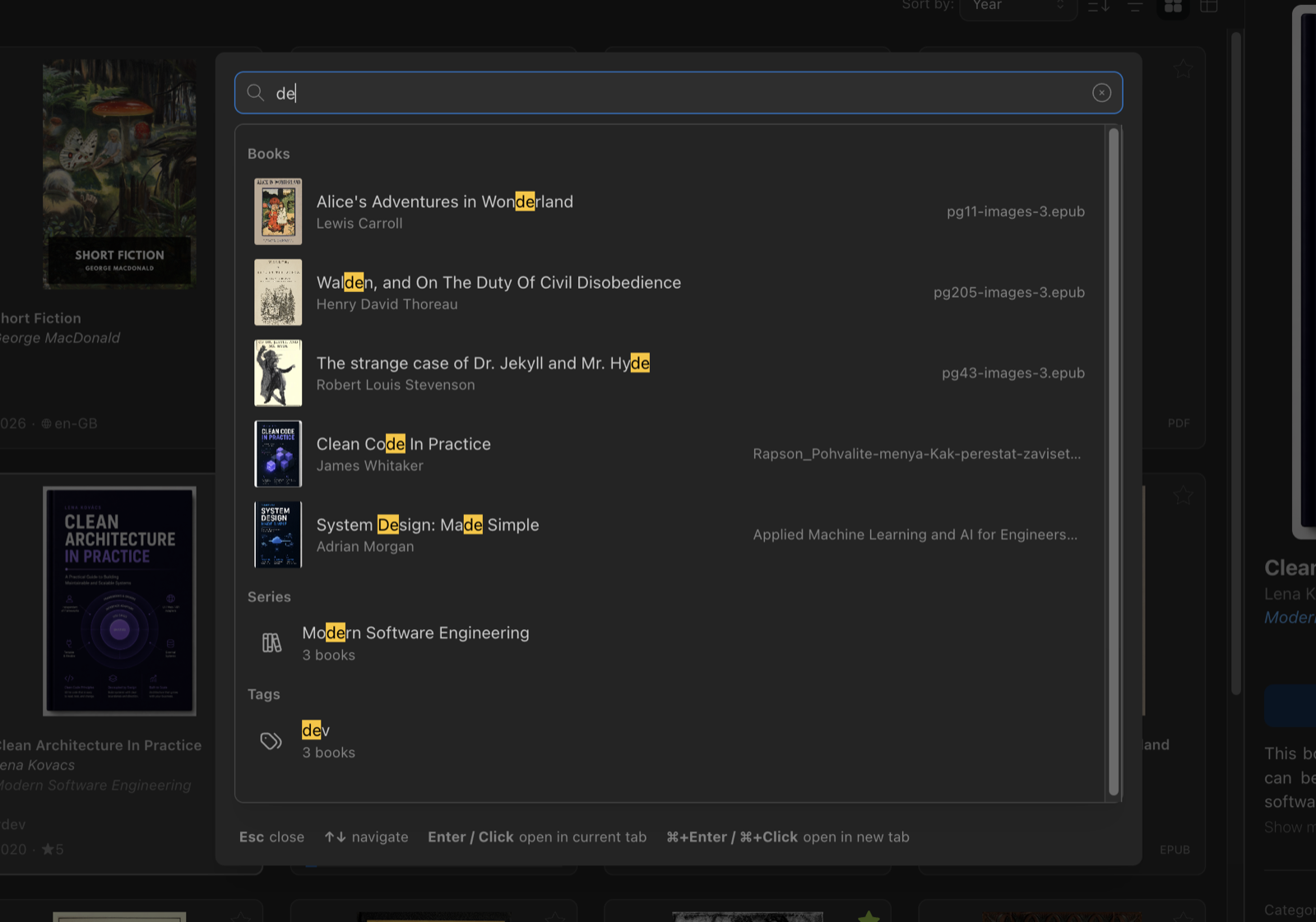
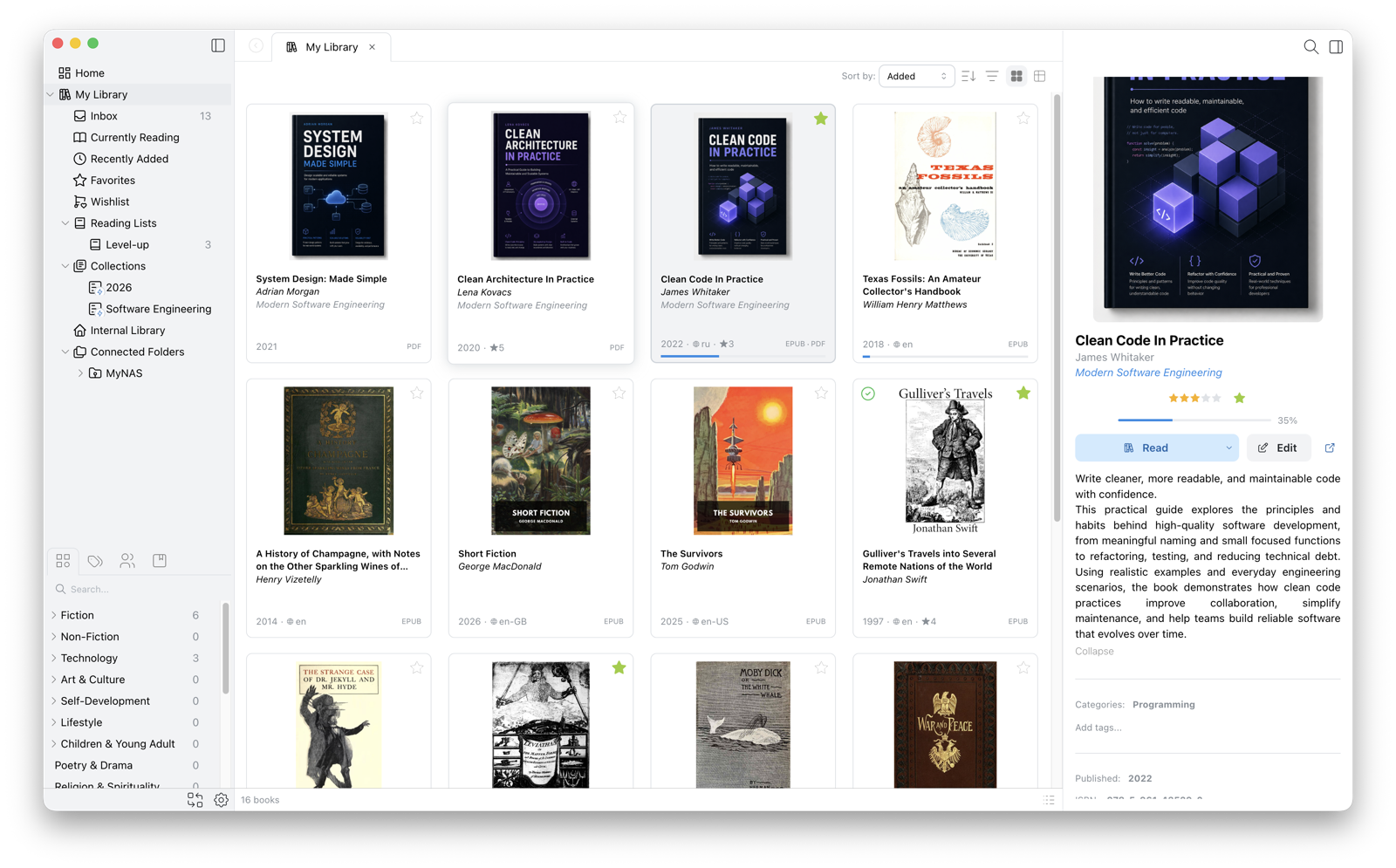
Keep books in Downloads, Documents, external drives, or a NAS. Papyrium indexes folders where they already live while letting you organize with tags, categories, and collections.
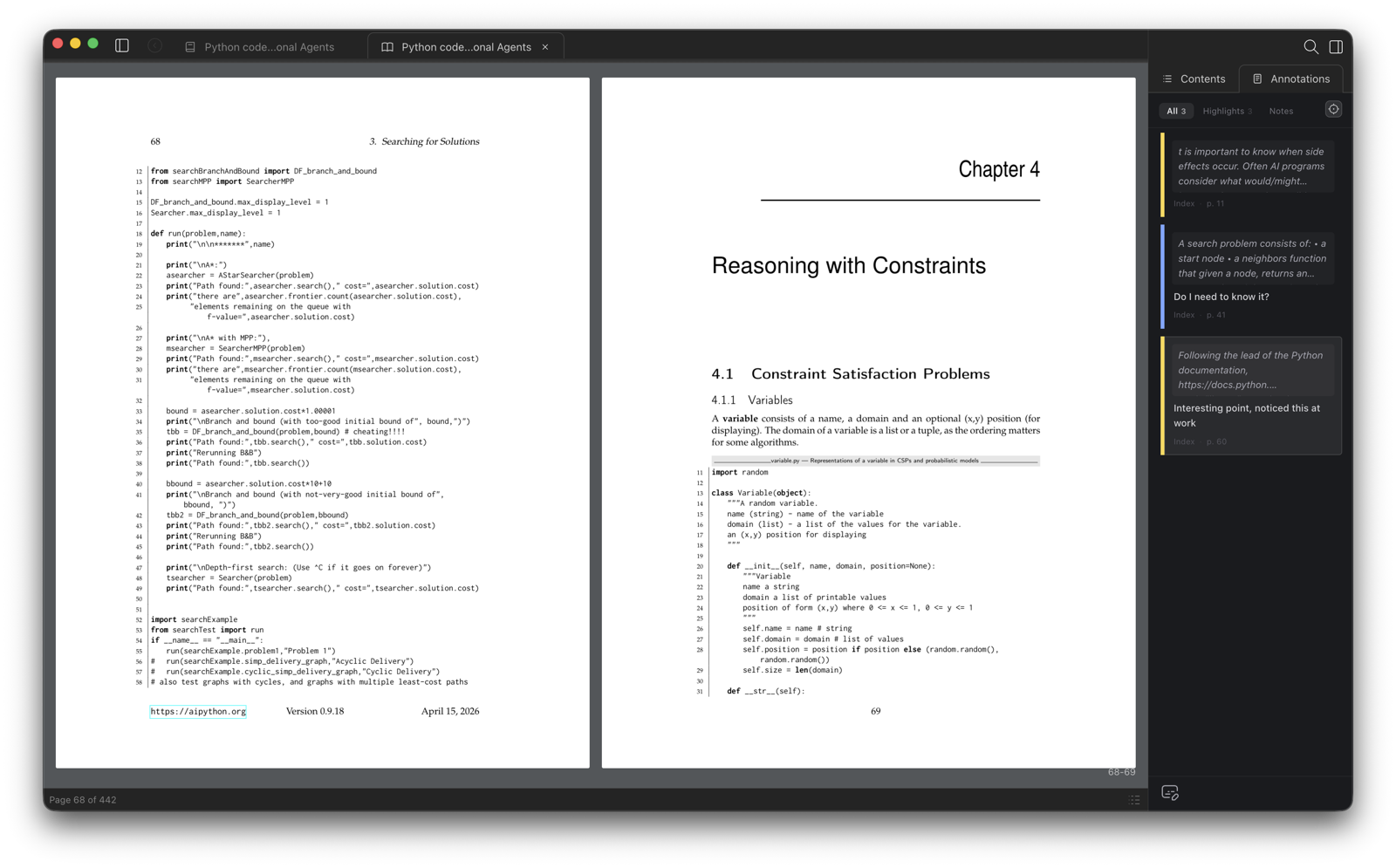
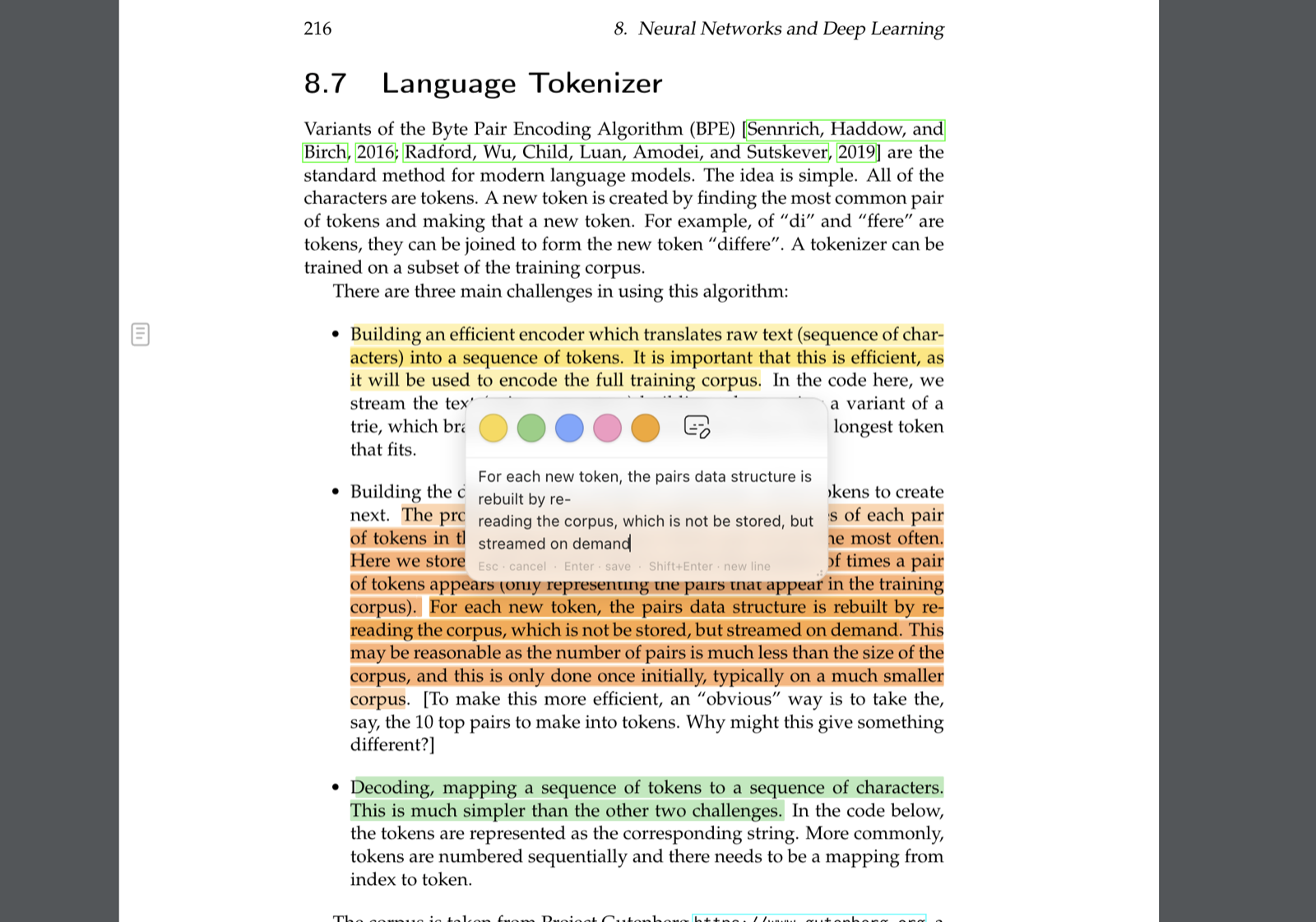
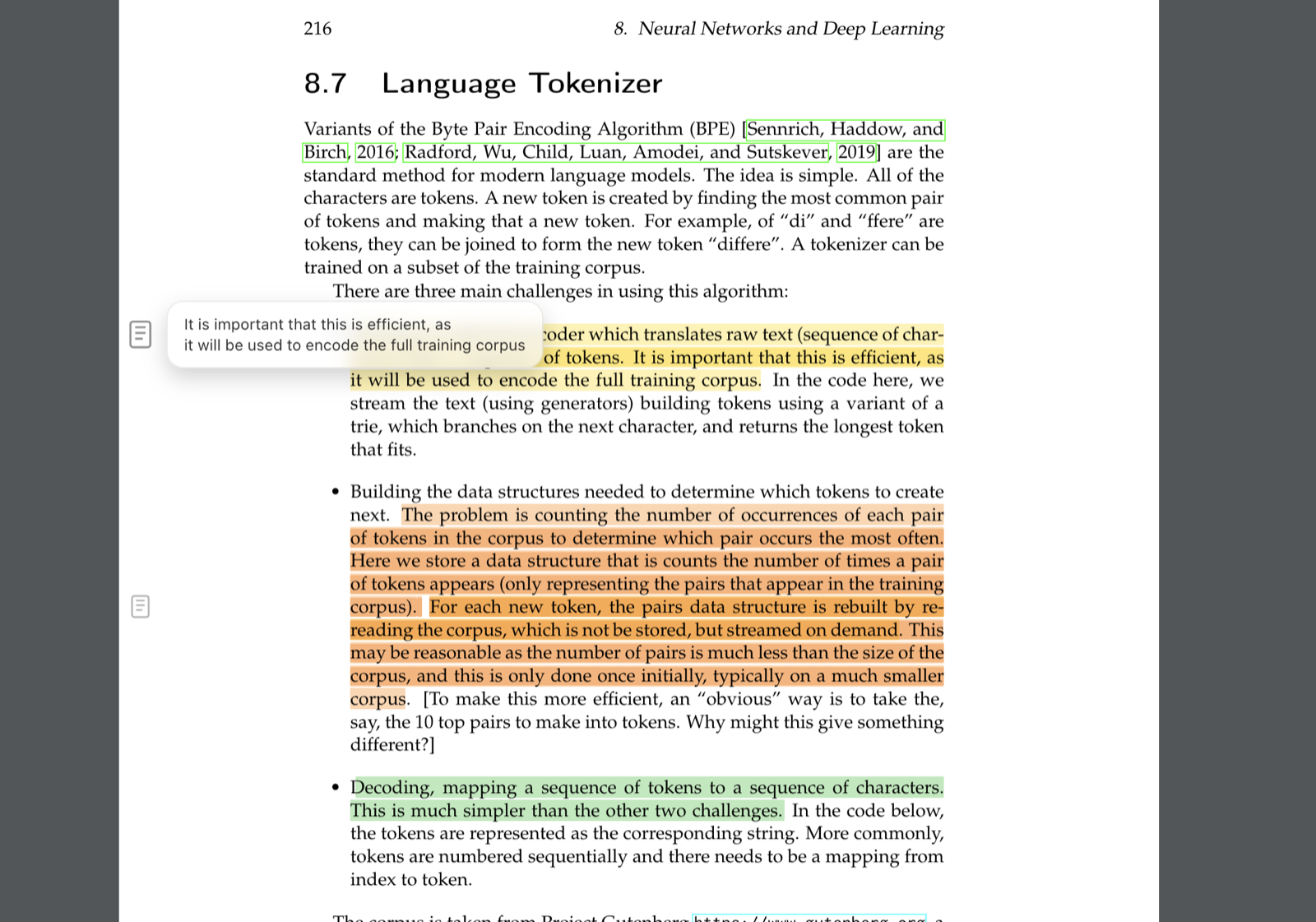
Highlight passages, add notes, and use PDF markup tools while reading. Useful for textbooks, research papers, technical books, and long-form learning.
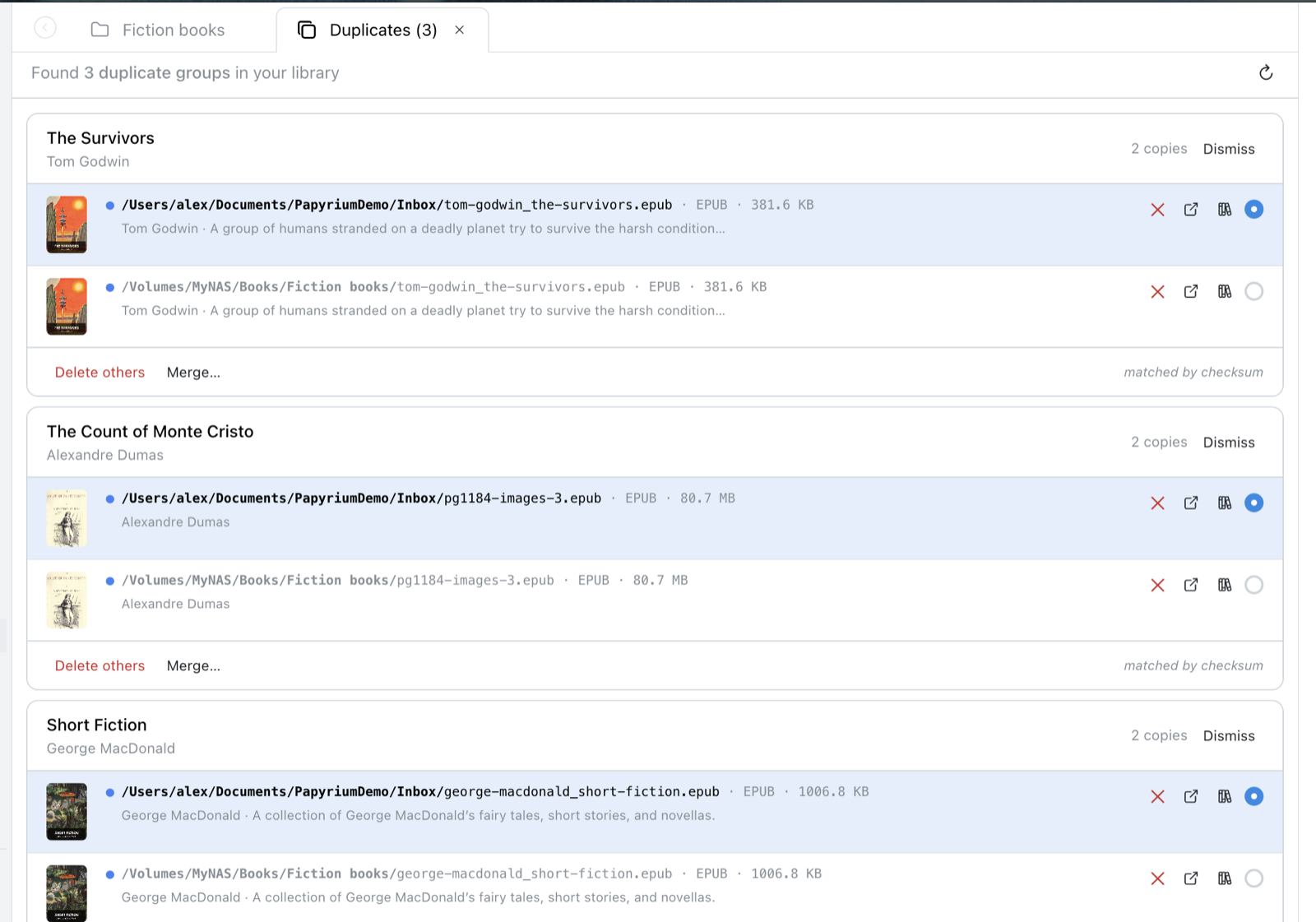
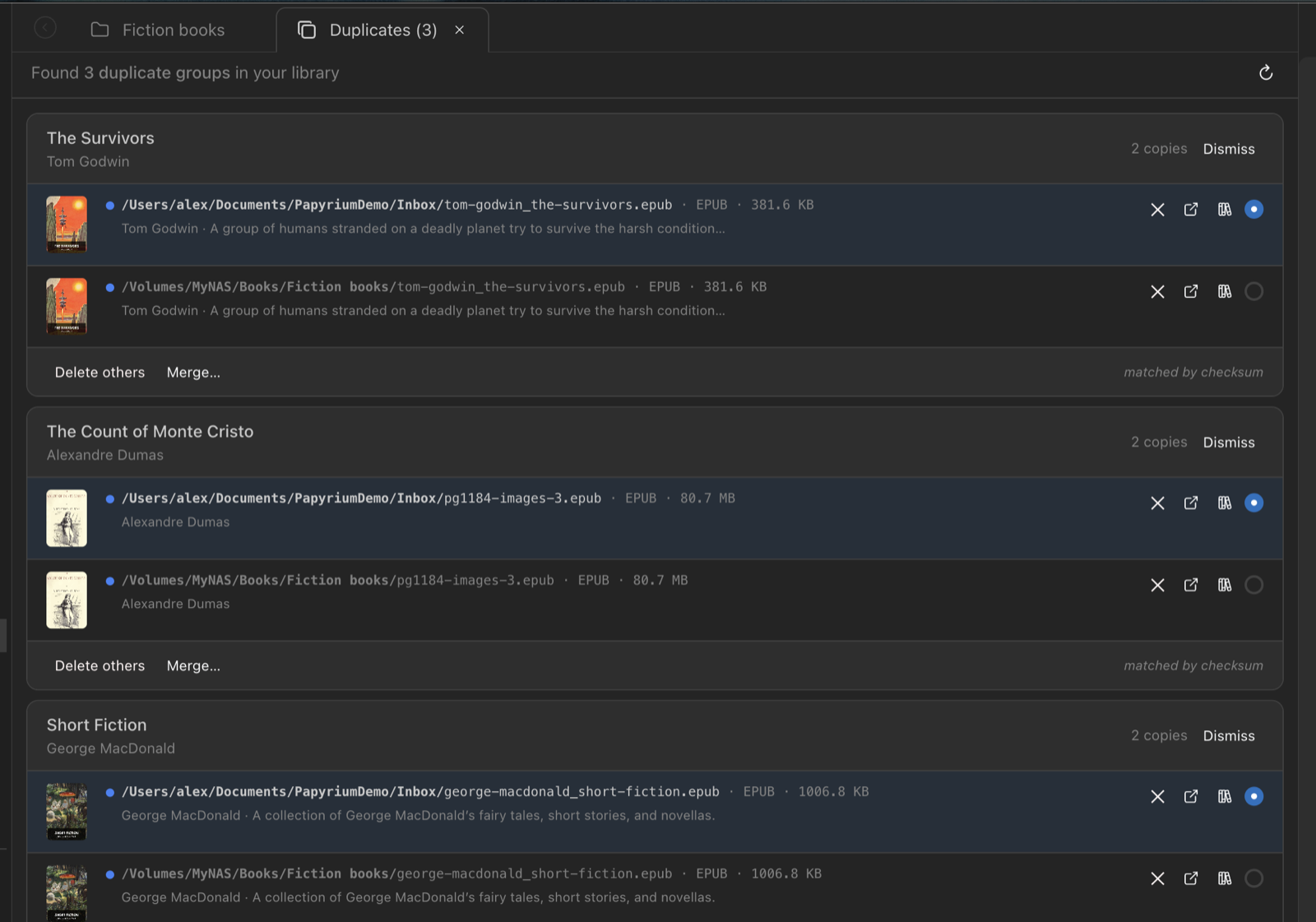
Scan an existing collection, extract covers and metadata, find duplicates, and gradually organize books without a big migration.
Your book files stay on your device. Papyrium is designed for people who want a desktop library workflow without uploading their collection to a cloud service.
Library Management
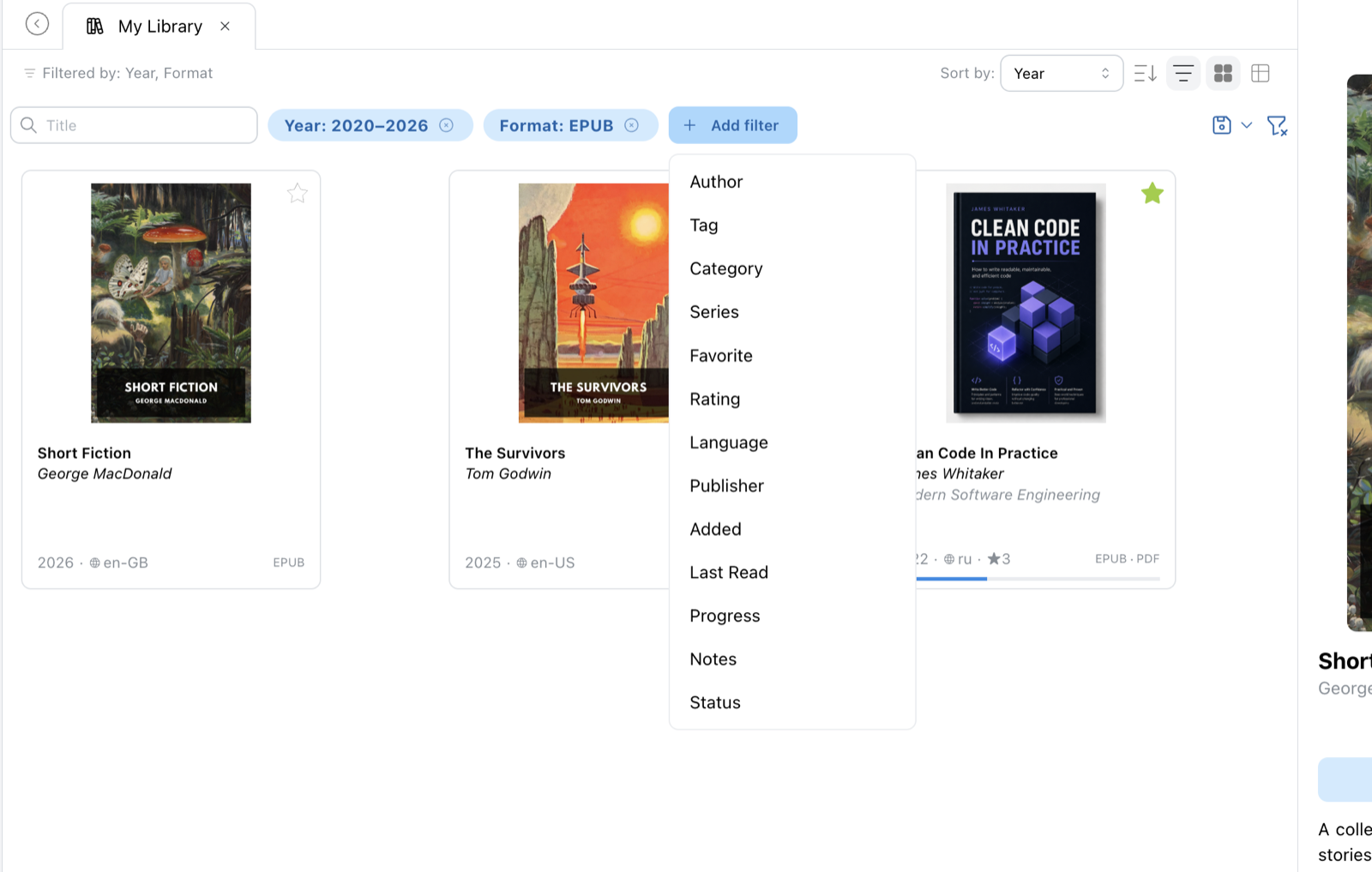
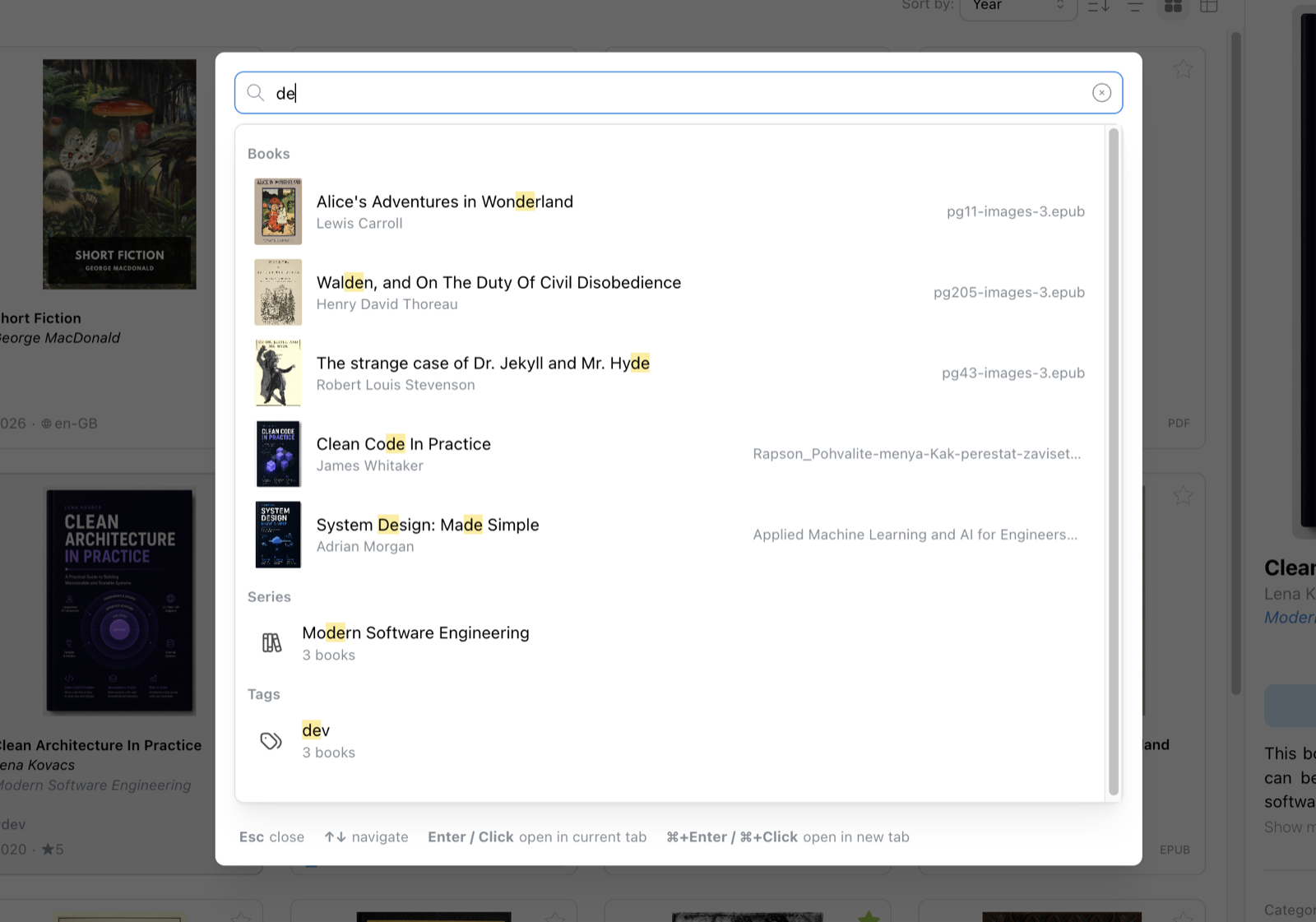
Your collection, your structure. Import into Papyrium's library, connect external folders, or mix both — it adapts to how you work.
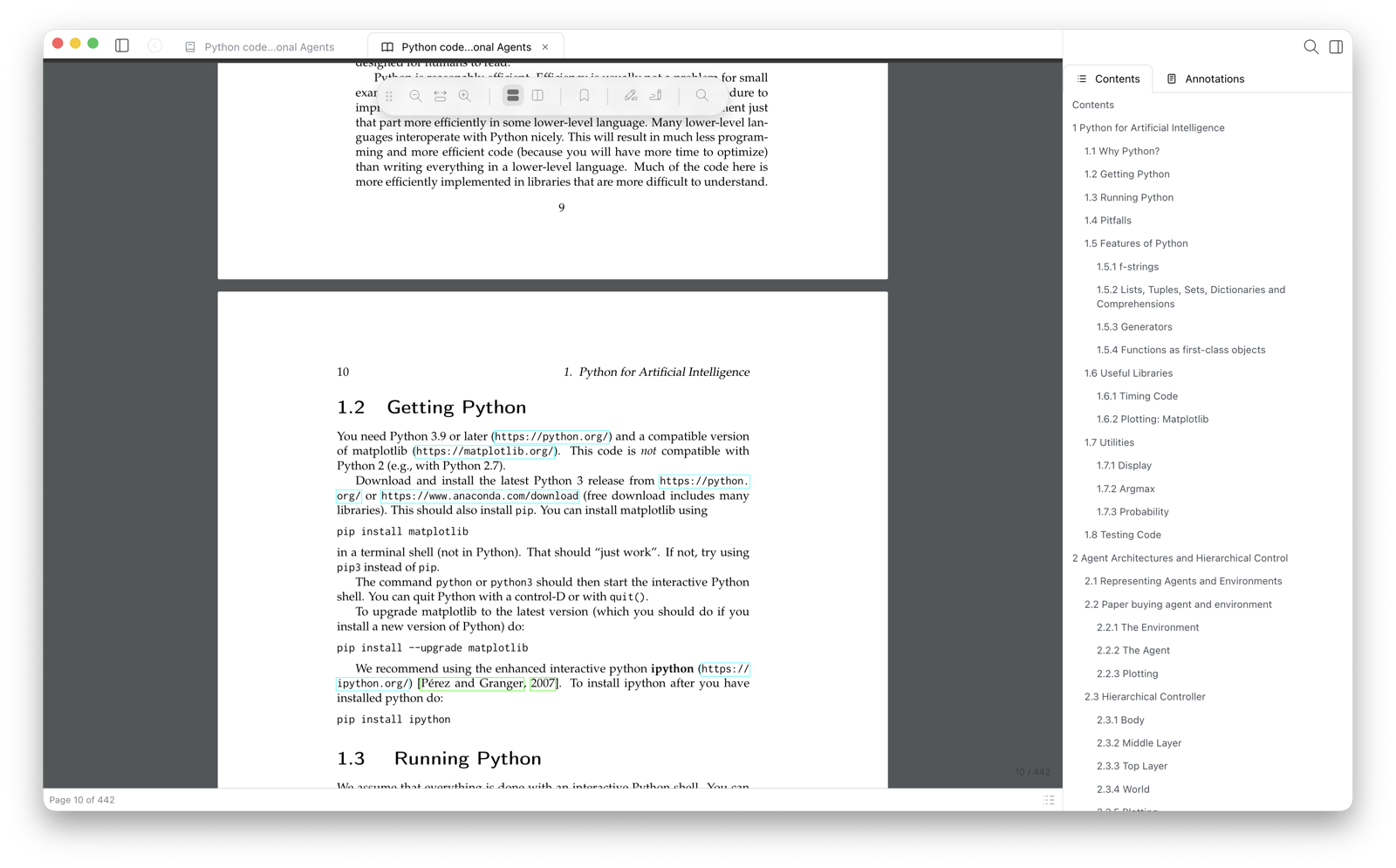
Built-in Reader
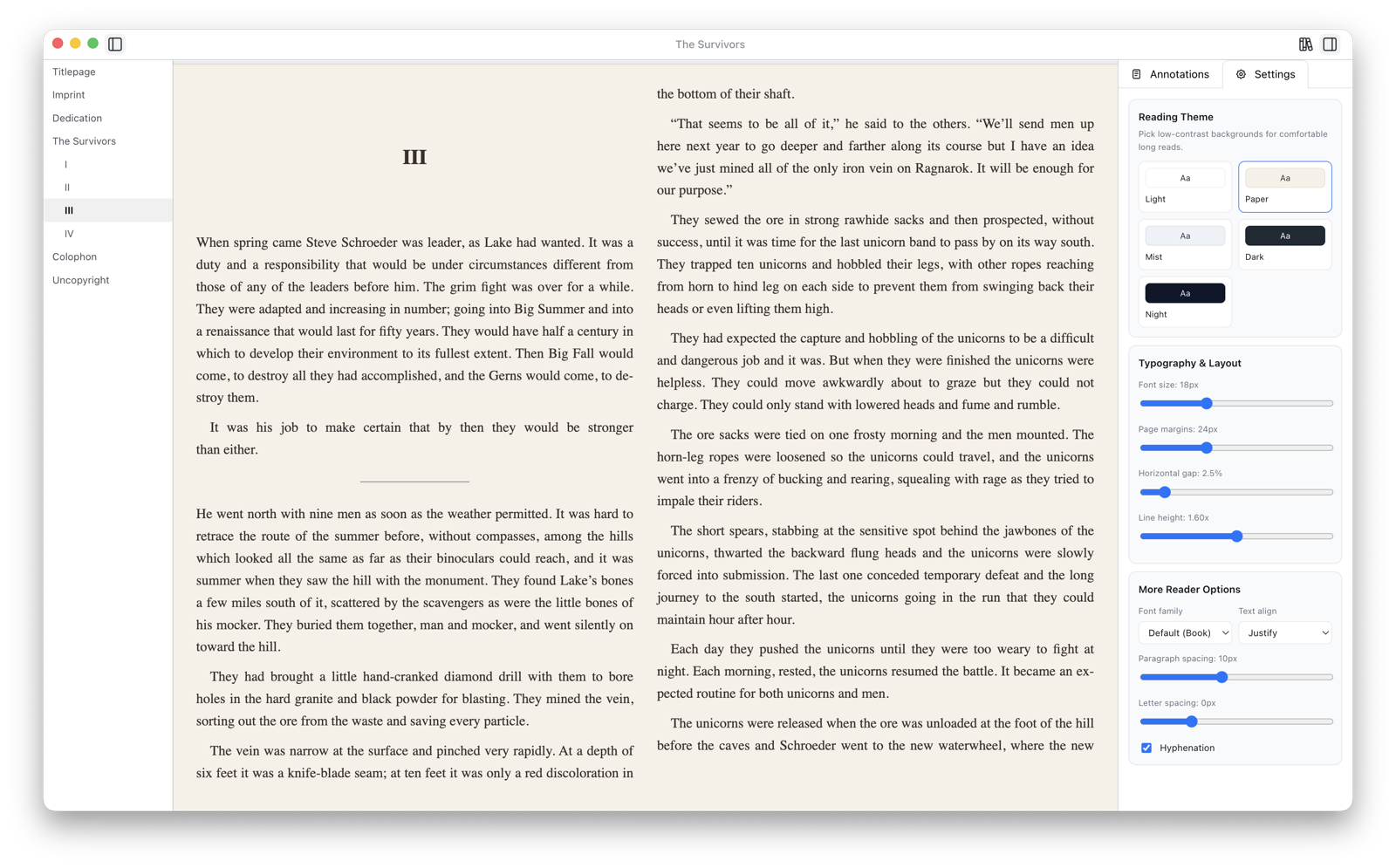
Read inside Papyrium in a tab or a separate window, or hand off to your system app or any external reader you prefer. Your books, your setup.
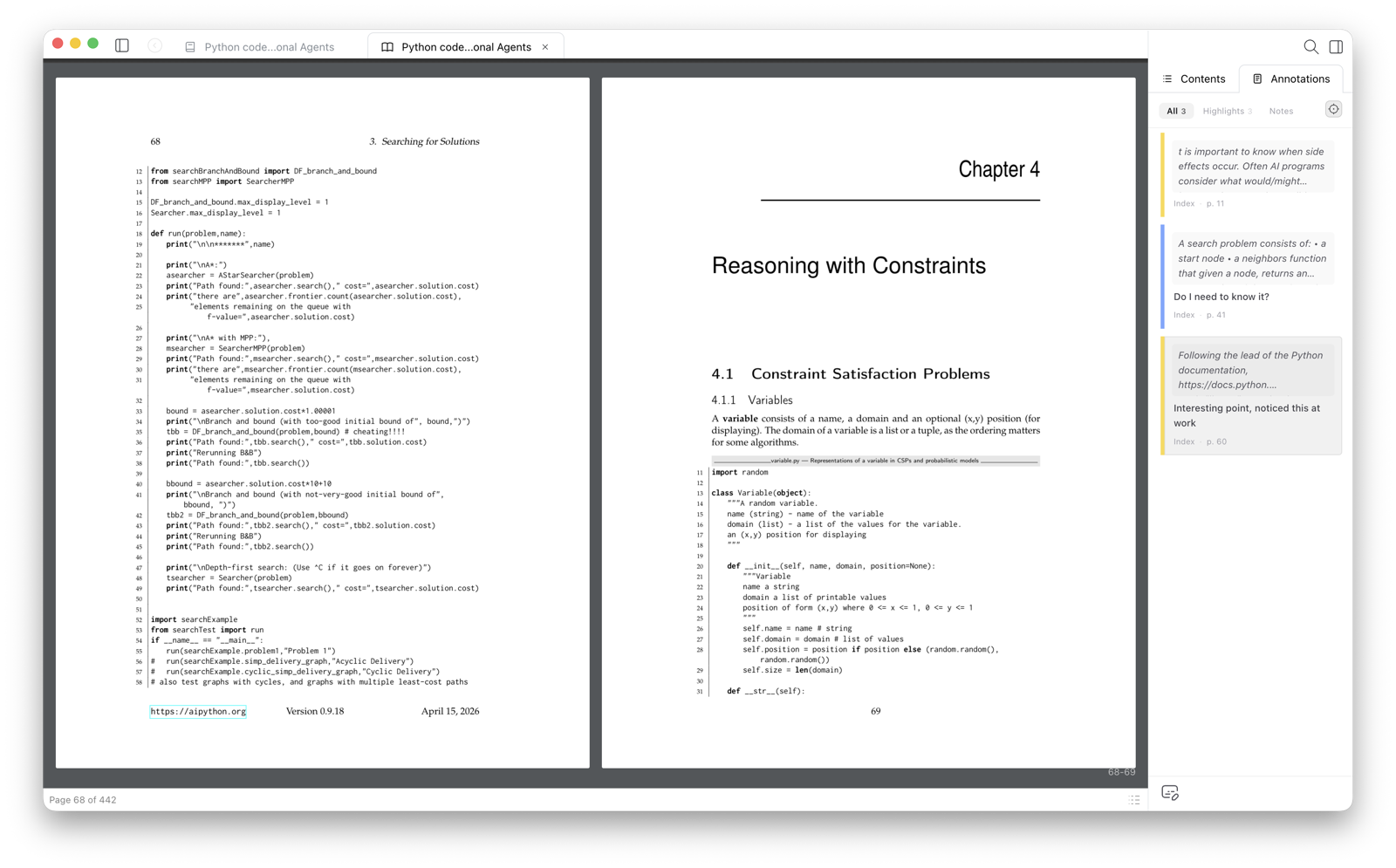
Highlights & Notes
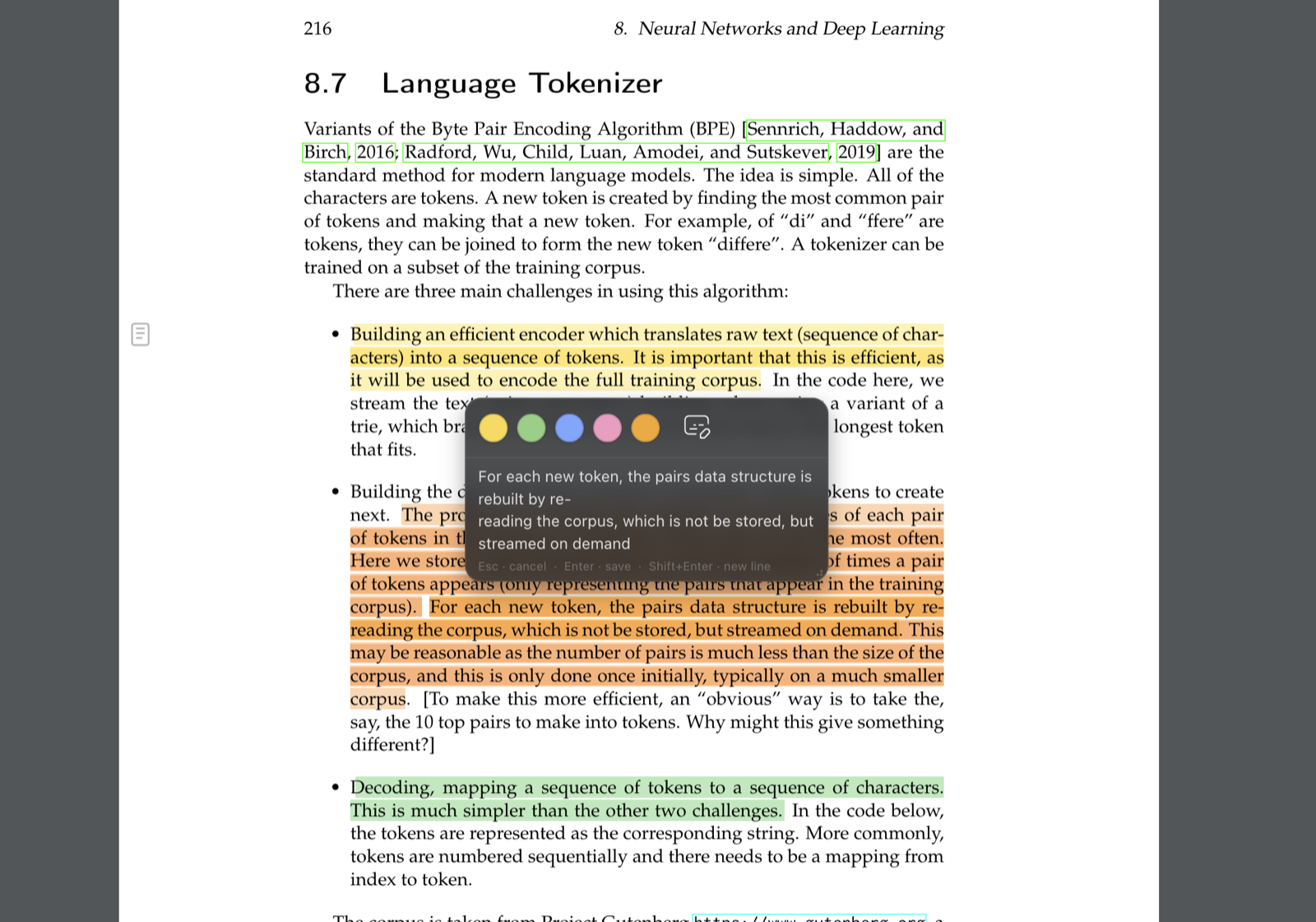
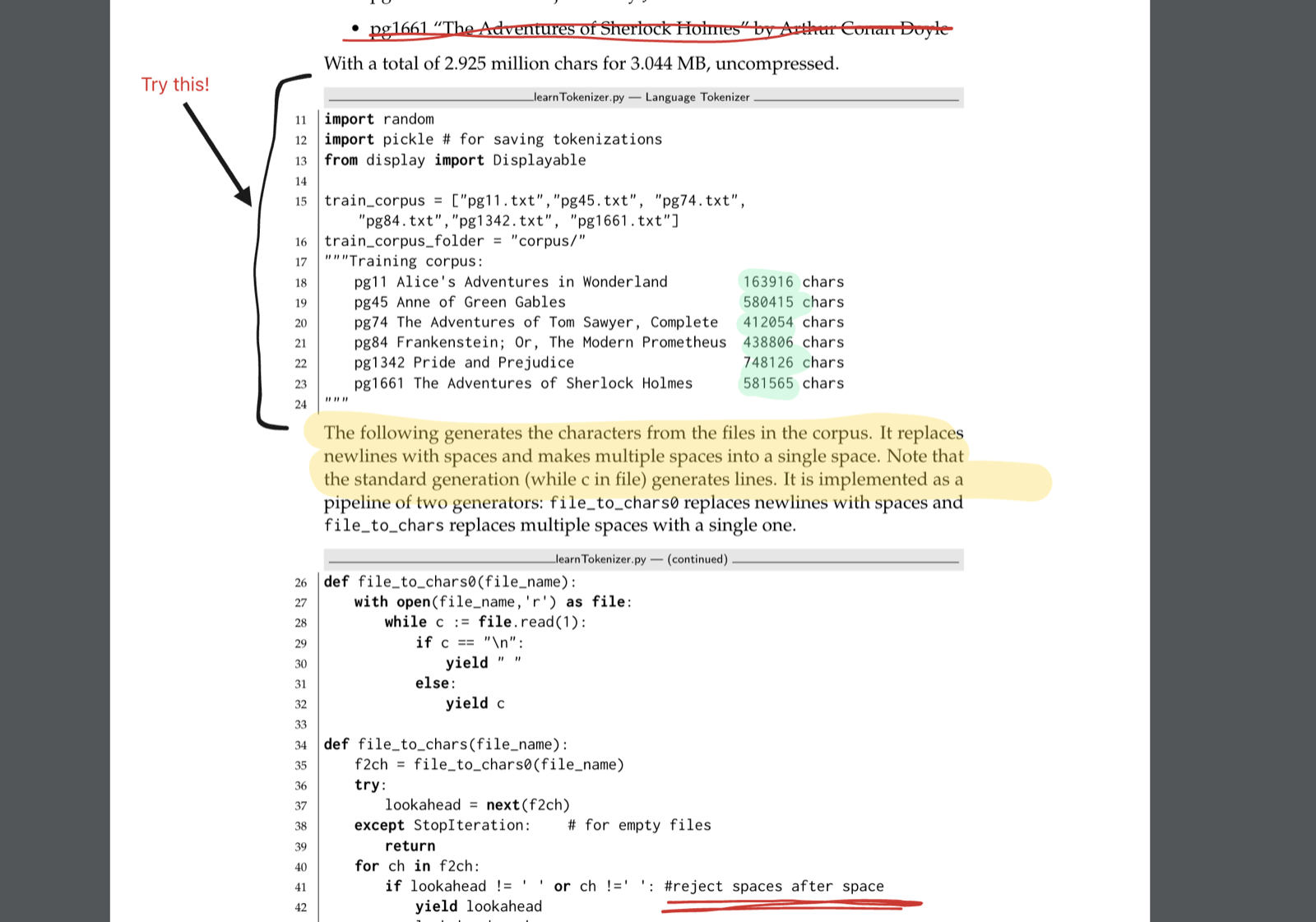
Select any text and highlight it in colors. Add notes to highlights. Write freeform notes per page or chapter. Browse everything in a unified notes sidebar.
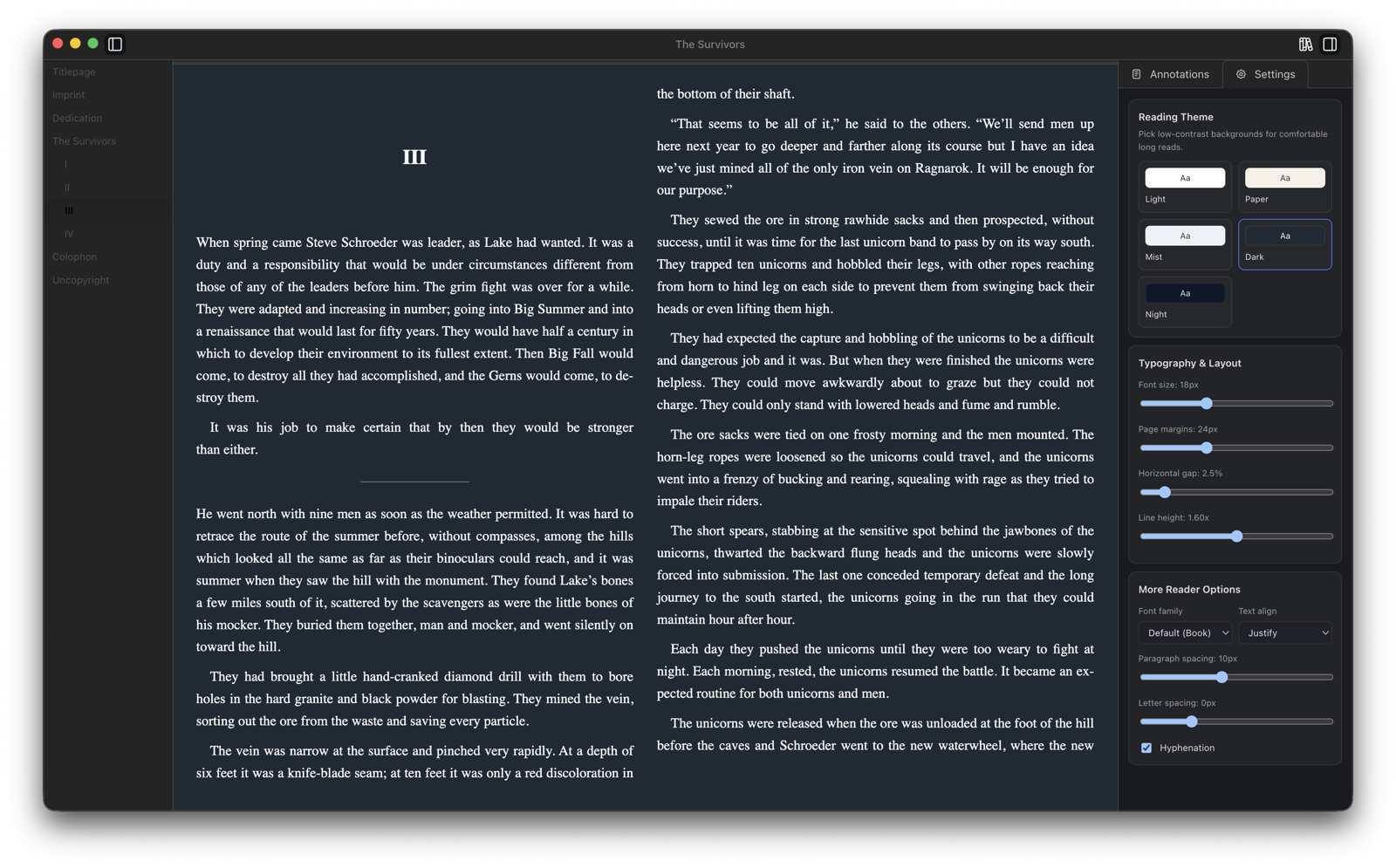
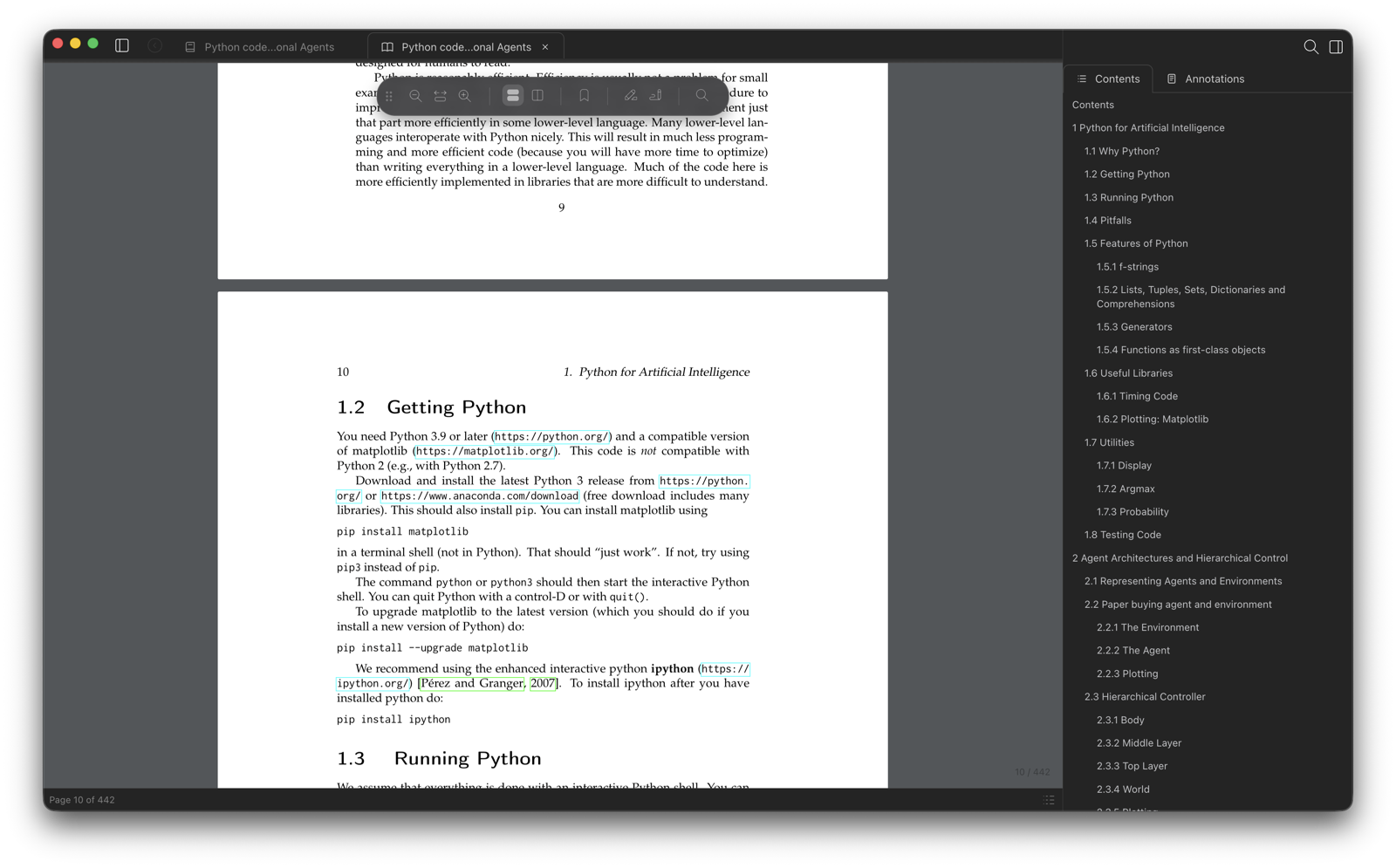
Themes
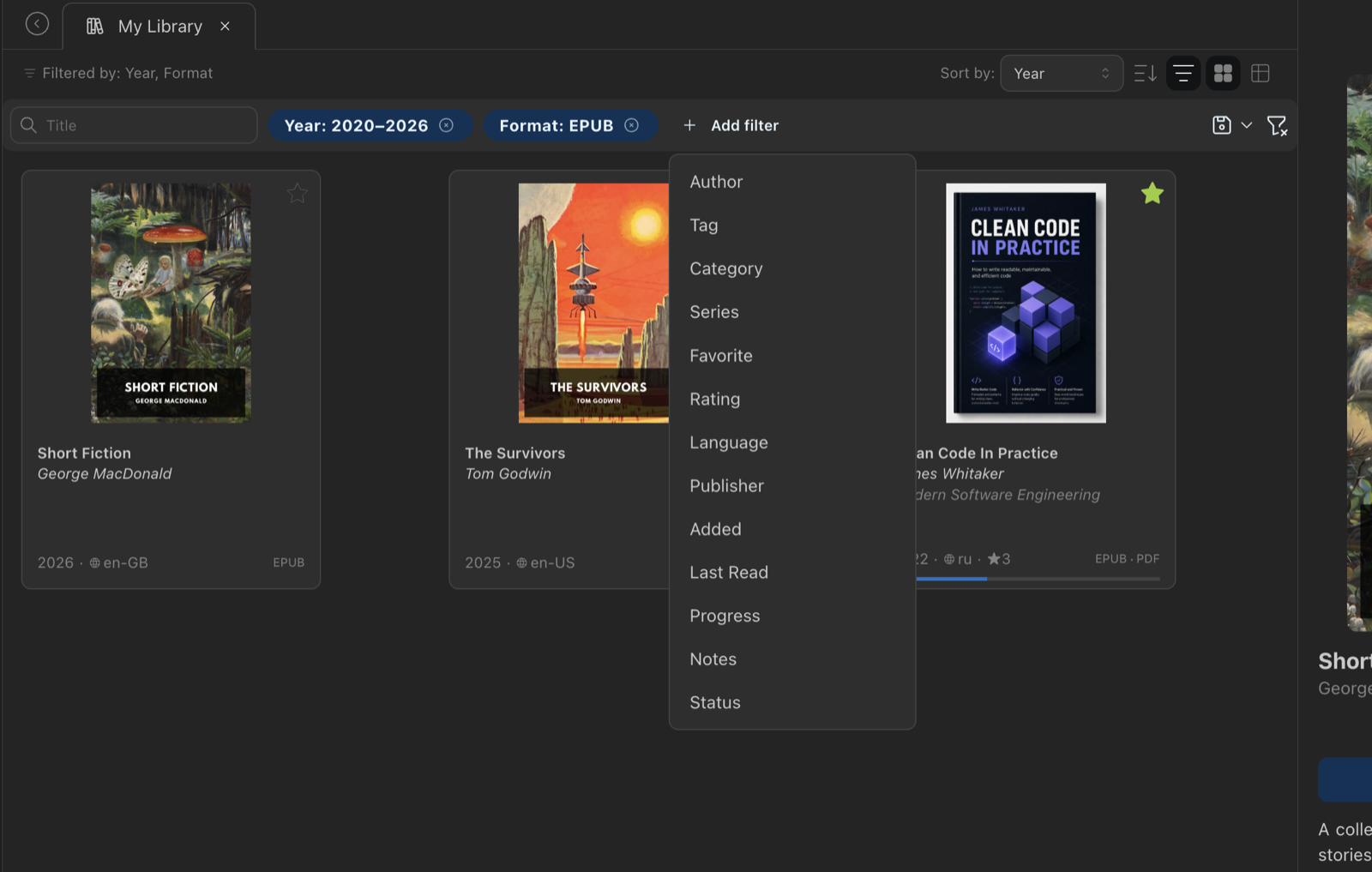
The app follows your system preference or lets you toggle manually. Both library and readers respect your setting.
What's next
Here's what's coming next.
Papyrium is a local-first ebook library manager for macOS. Organize PDF, EPUB, and FB2 collections with tags, collections, and smart rules. Read with built-in readers — highlights, annotations, and freeform notes included. Files stay on your disk.
Pricing
during Public Alpha
Join the newsletter below to receive the founding offer when paid access launches.
macOS · Coming soon
Get notified when new versions drop, follow development, and help shape what gets built next.
Free during the public alpha. A paid version may be introduced in the future — early users will receive a founding discount.
PDF, EPUB, and FB2.
macOS only for now. Windows support is on the roadmap.
No. Core features — library, reading, and annotations — work entirely without an account. Optional cloud or AI features in the future may require one.